
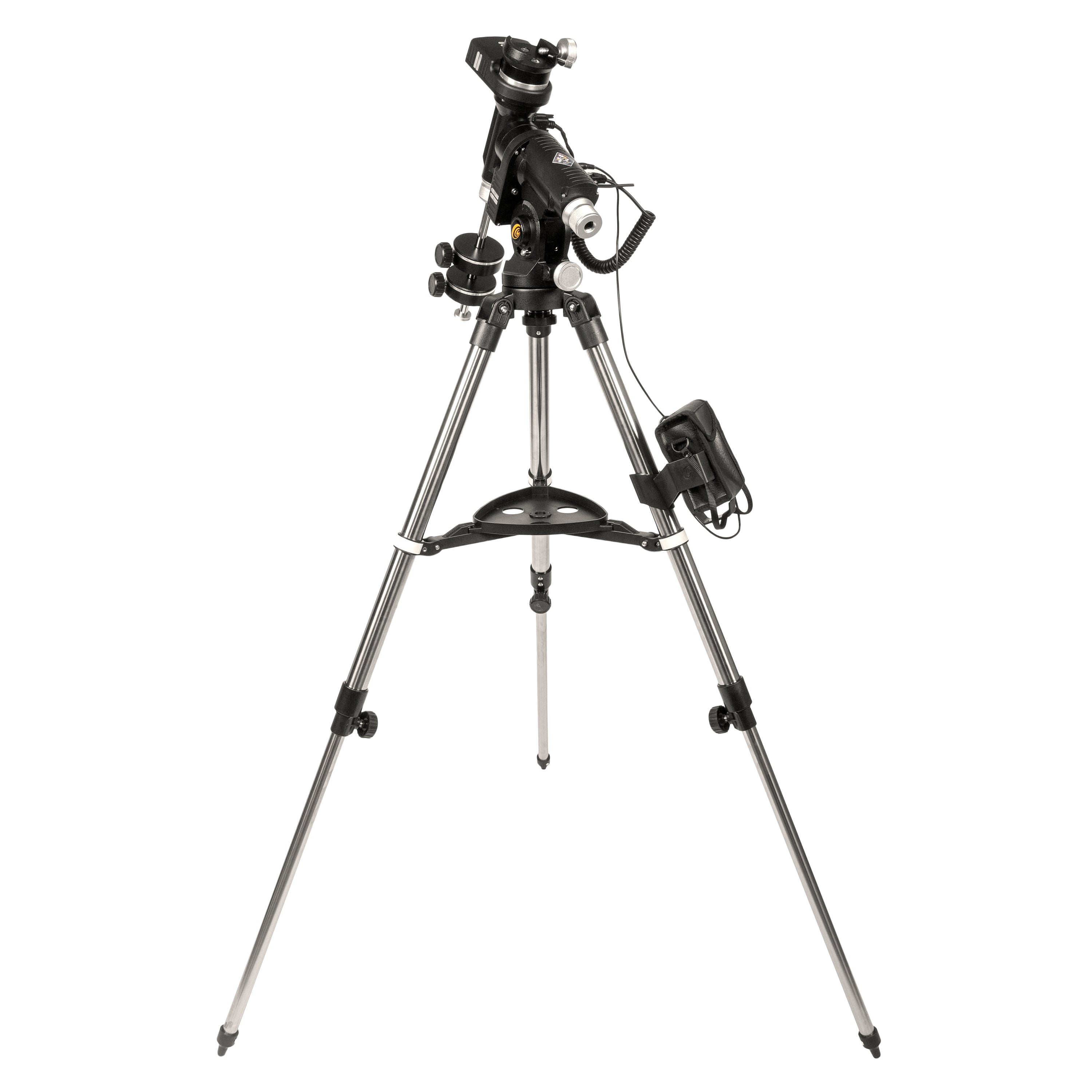
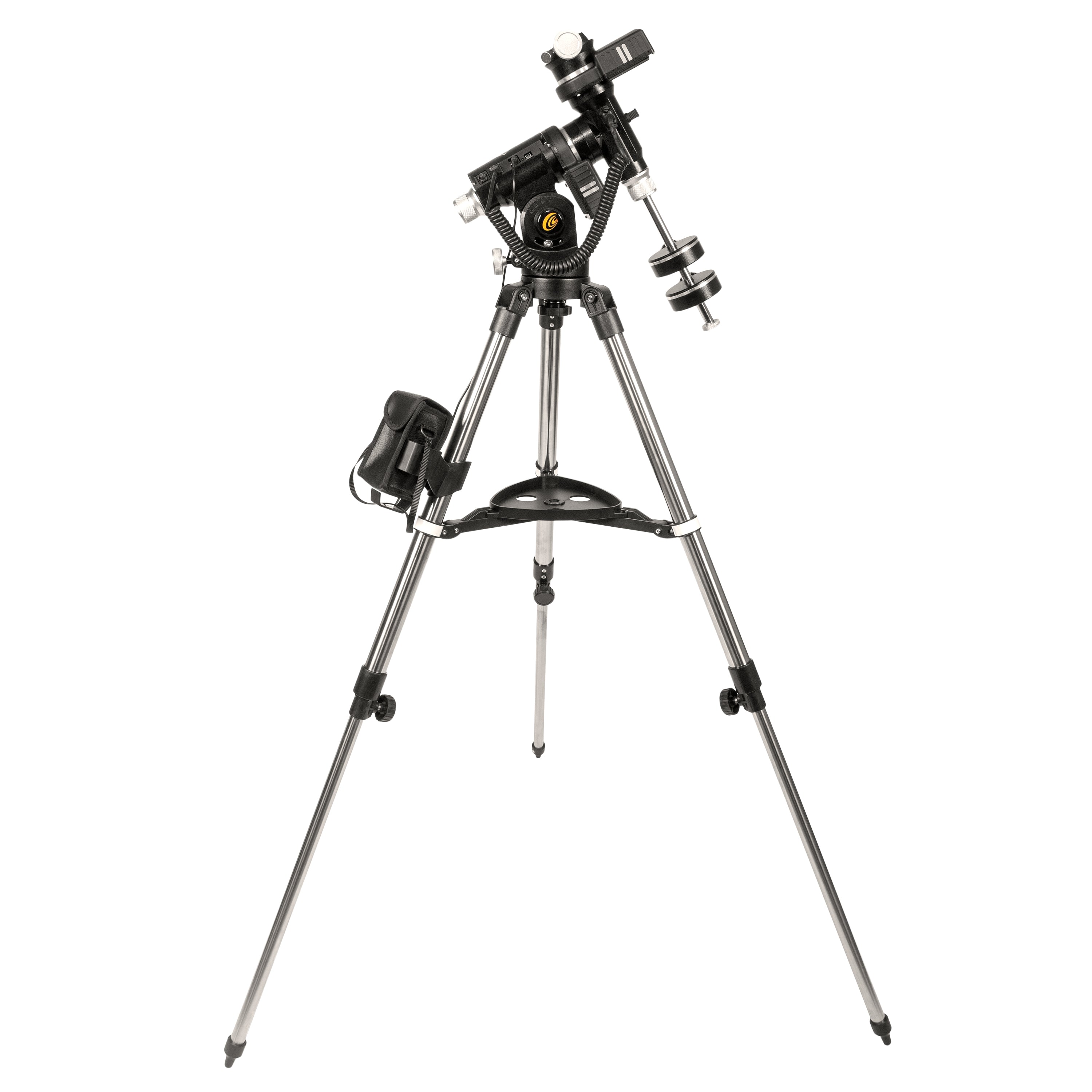
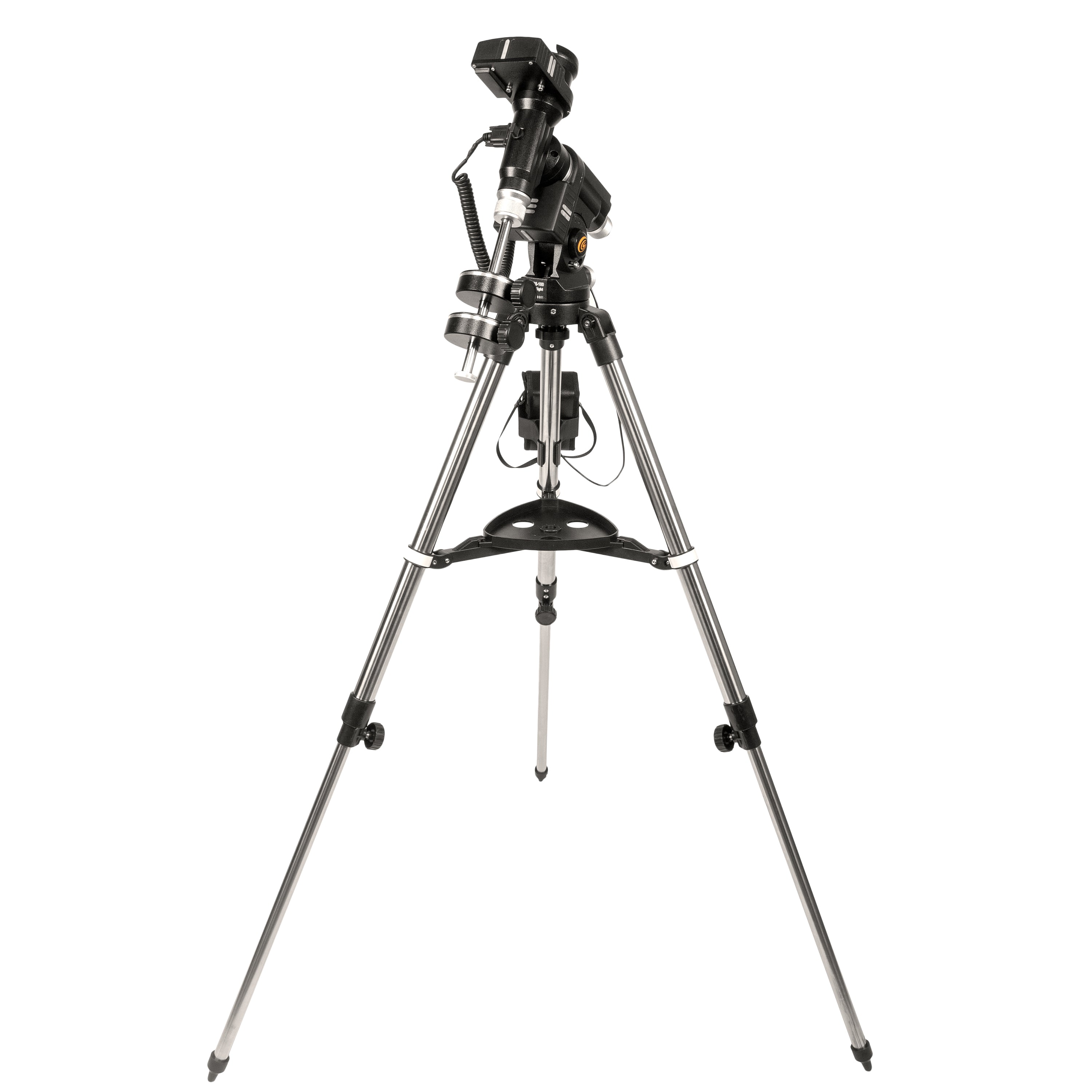
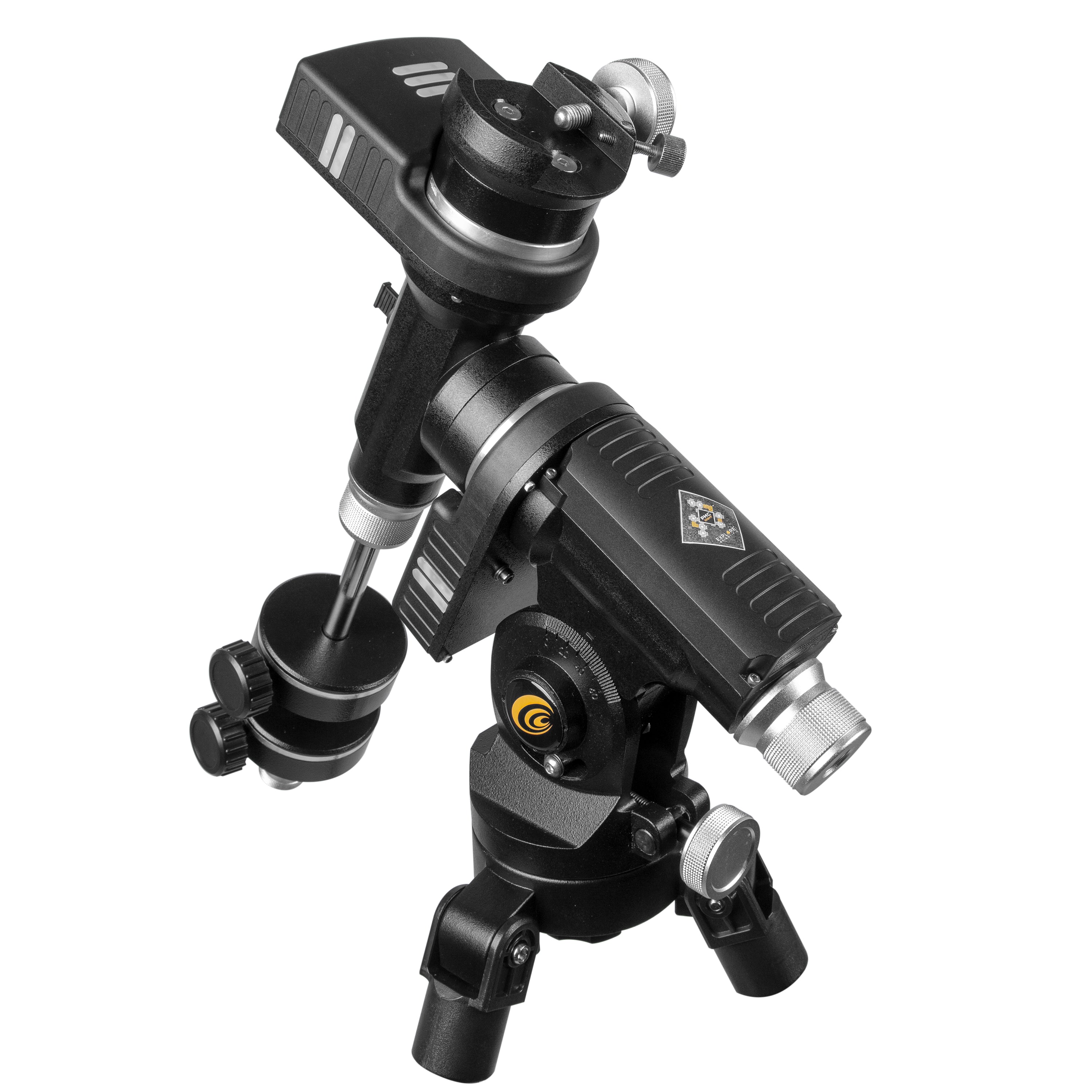

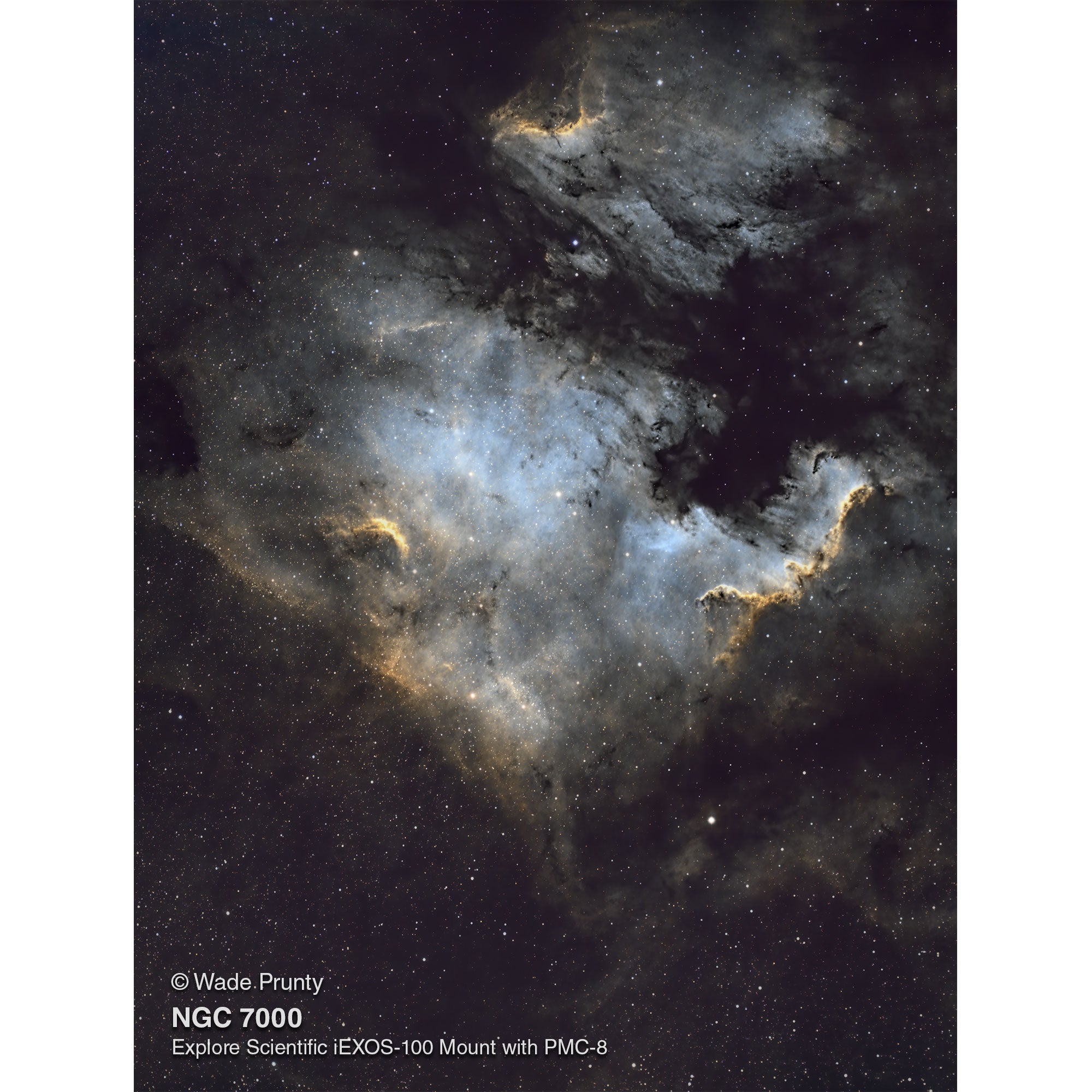
IEXOS-100-2 PMC-Acht-Äquatorial-Tracker-System mit WiFi und Bluetooth®
"Dies ist für mich das ultimative tragbare System."
-Jim Johnston Astrophotograph
Merkmale
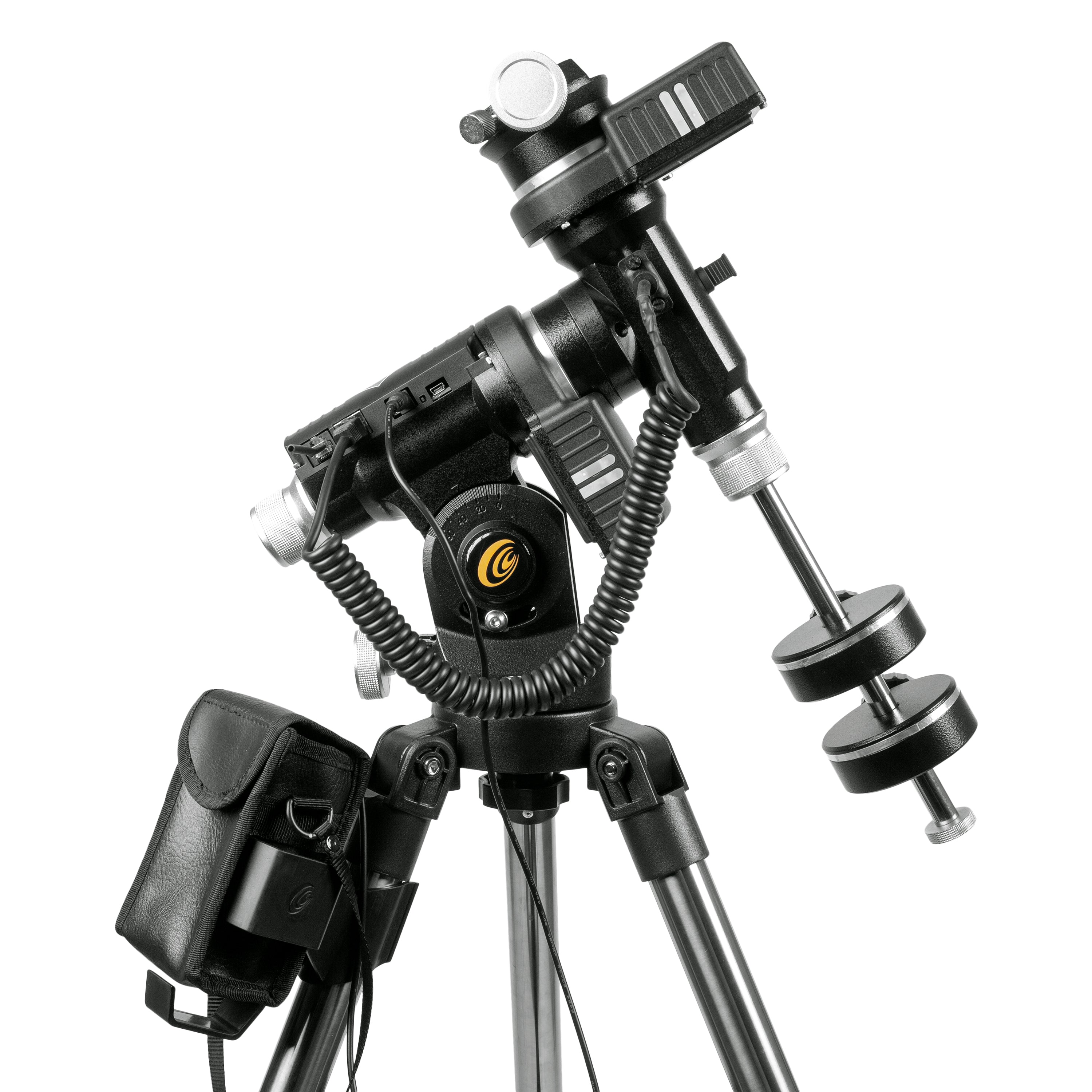
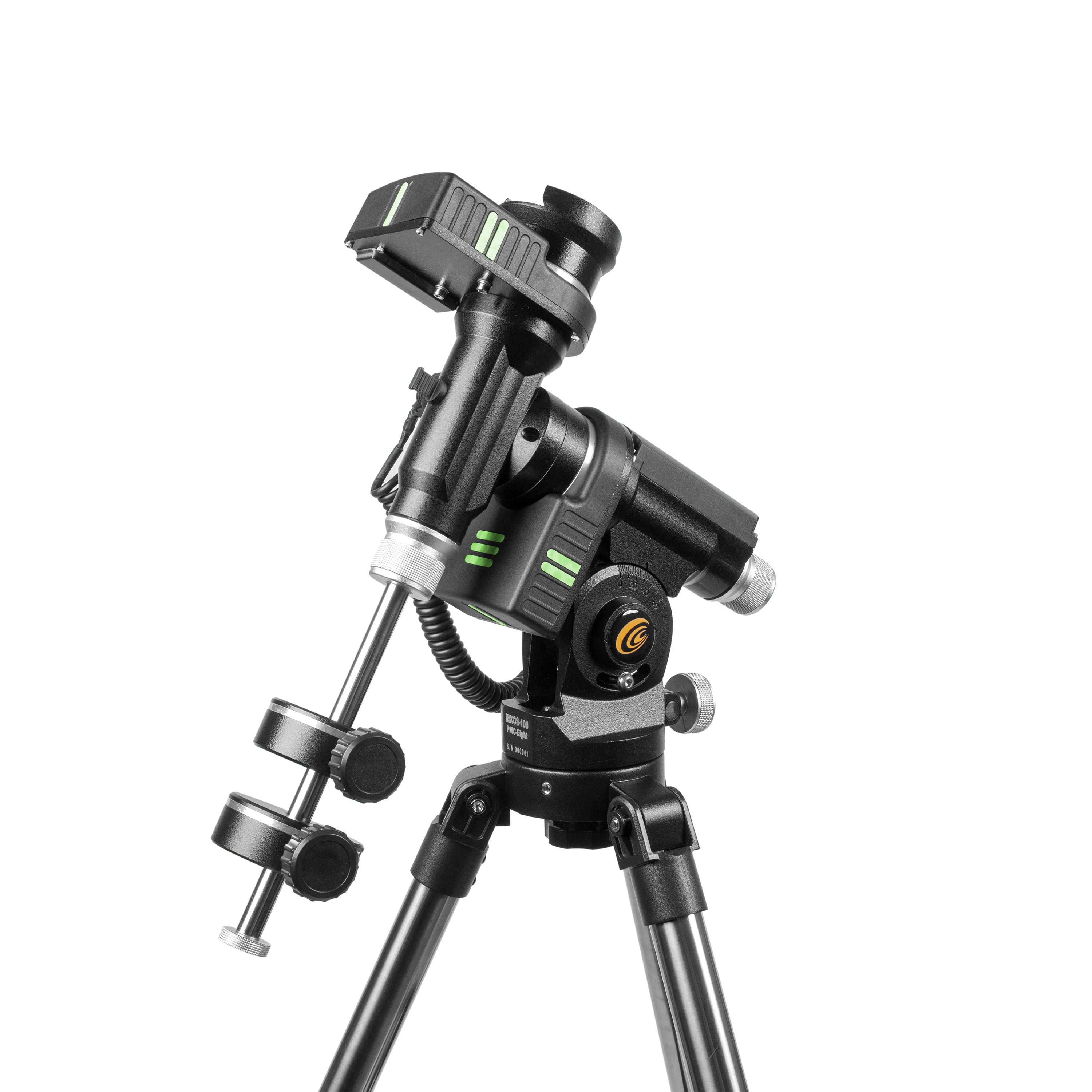
Der IEXOS-100 ist ein astronomisches GOTO-System, das ein bewährtes deutsches Äquatorialmontagedesign verwendet und die revolutionären PMC-Acht ™ -Präzisionskontrollsysteme von Scientific erforscht, um den Nachthimmel zu navigieren und Objekte zu verfolgen, während sie darüber fahren. Features sind:
- Integrated Explore Scientific PMC-Aight ™ -System, das den Einzelprozessor für Branchenstandards durch die Verwendung von acht CPUs überschreitet, die unabhängig voneinander arbeiten, um sich auf definierte Funktionen zu konzentrieren, was zu einer überlegenen Reaktionsfähigkeit, Effizienz, Zuverlässigkeit und erstaunlich schnellem Timing-Intervallen führt.
- Kupplige Dual-Achse-Wurmgetriebe mit ruhigem Präzisions-Stepper-Motorriemenfahrten
- Die intuitive Explorestars -App, die für Apple-, Android- und Windows -Tablets verfügbar ist, erleichtert es einfach, das GOTO -System zu bedienen. Dadurch können Benutzer ihr Teleskop schnell ausrichten, die Sterne navigieren und Einzelheiten zu Zehntausenden von Himmelsobjekten lernen
- Gekackte RA- und Deklinationsachsen sind glatt und ermöglichen einen präzisen Ausgleich, was den Prozess der Neupositionierung Ihres Teleskops effizient macht
- Polar -Ausrichtung Sehloch durch die RA -Achse und eine präzise Höhenkontrolle für schnelle Ausrichtung ohne polaren Bereich.
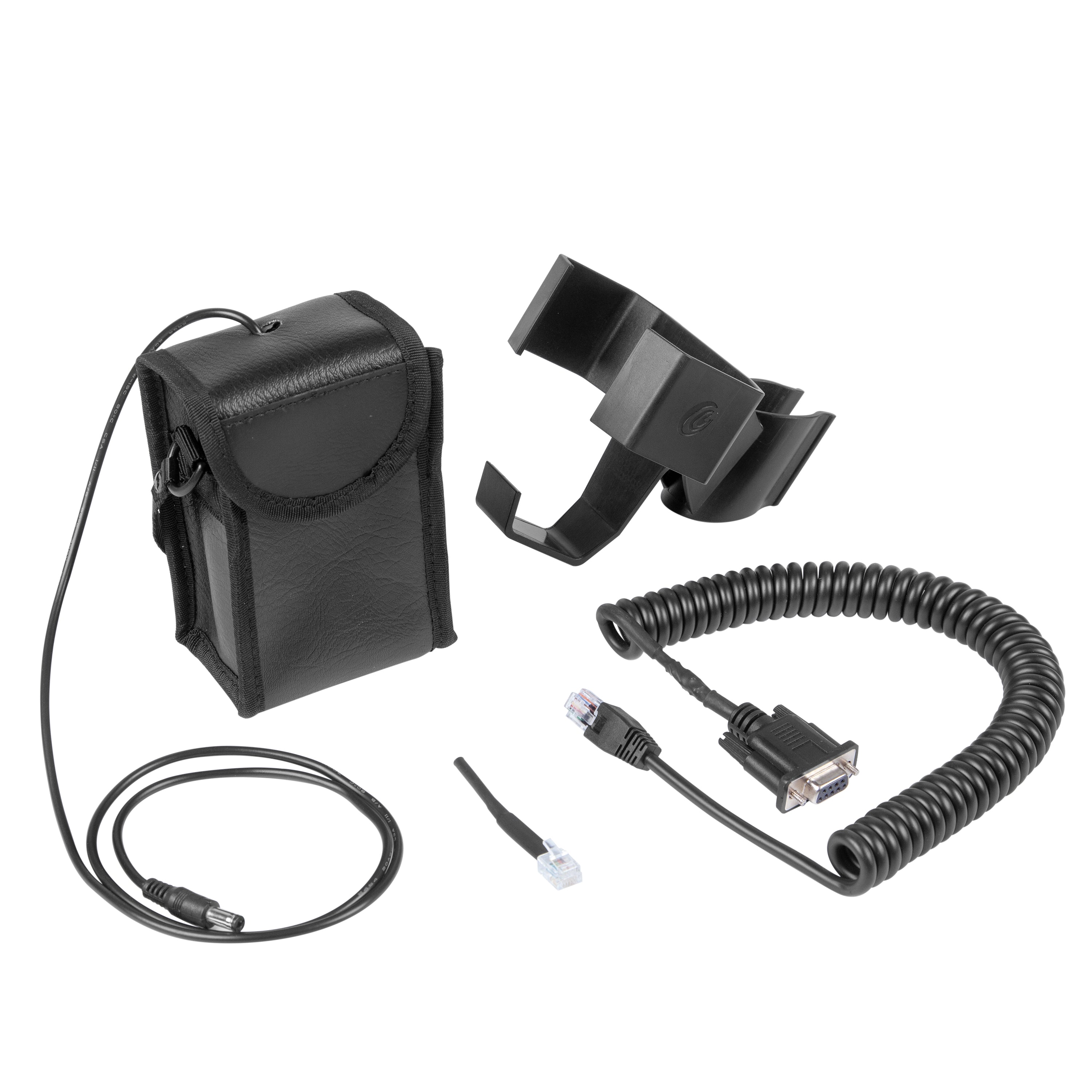
- Batteriepack, das das PMC-acht ™ -System betreibt
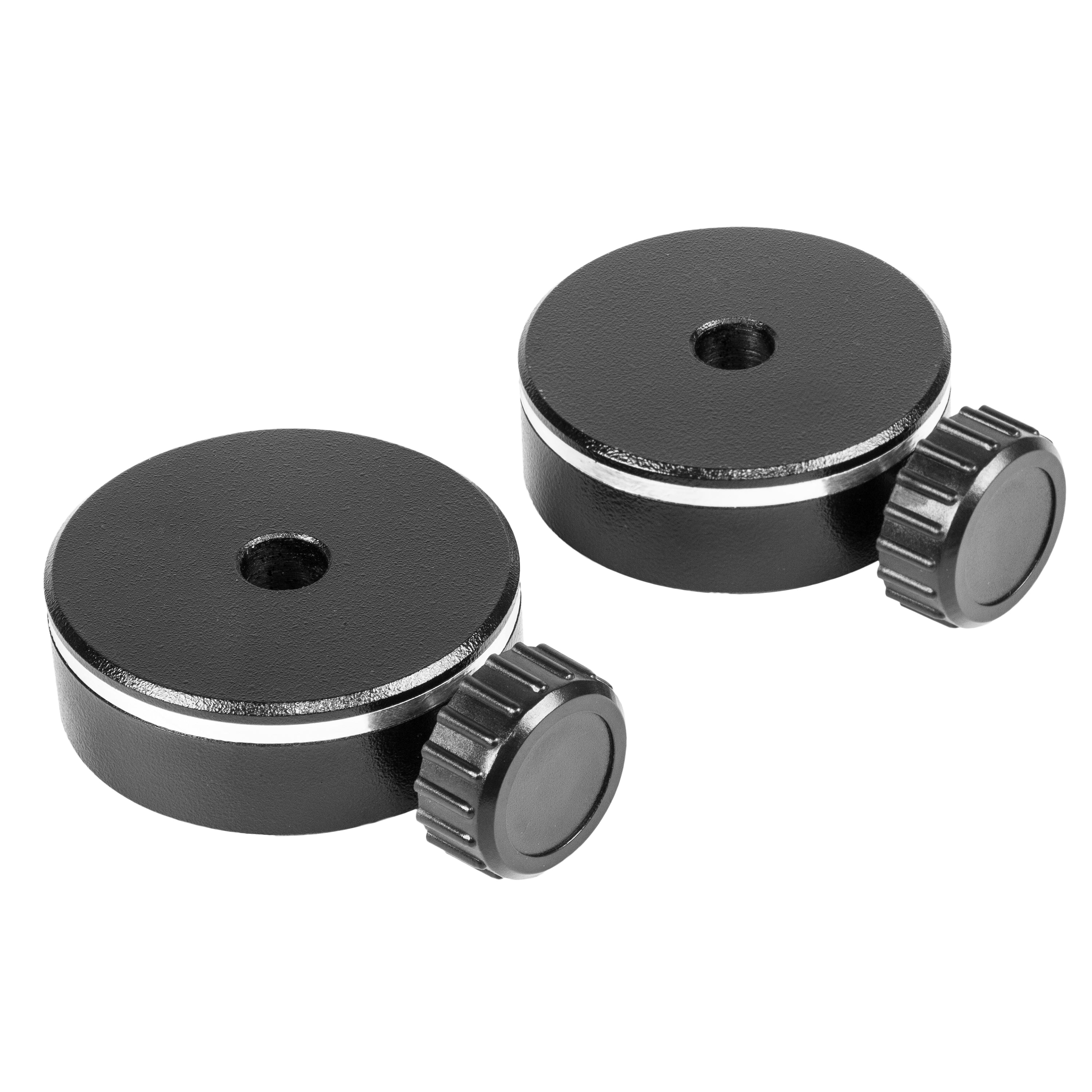
- Zwei 1 kg Gegengewichte enthalten
- Leuchten im Dunkeln auf dem Mount und Stativ
Beschreibung
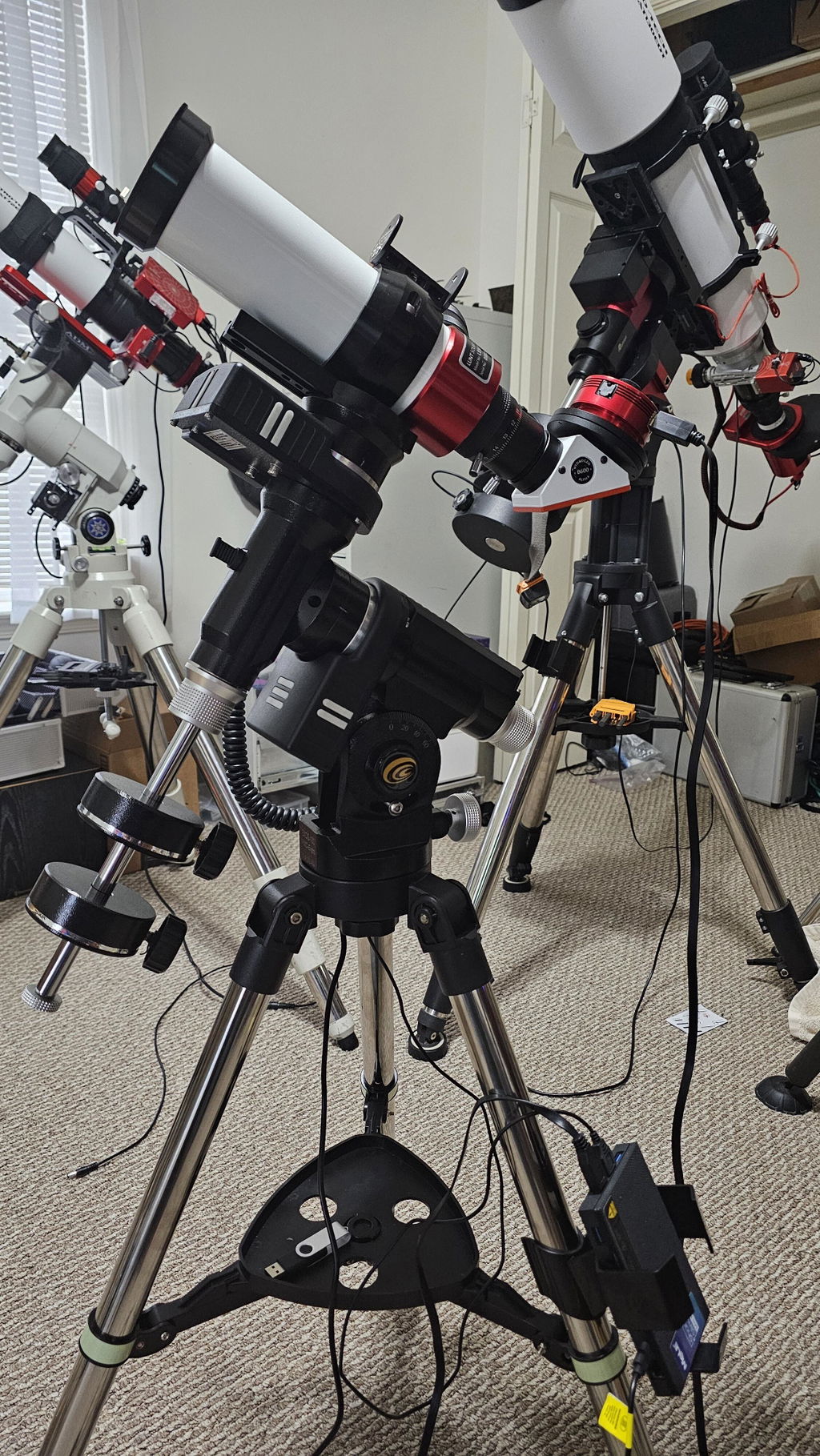
Die IEXOS-100 PMC-Ahnte™ Äquatorialer Trackersystem ist aVollständiges astronomisches computergestütztes WLAN oder verdrahtete GOTO-Equatorial-Tracker mit integriertem PMC-acht™ Elektronik zum Anbringen geeignet Kleine Teleskope oder DSLR -Kameras an die Erkundung der wissenschaftlichen DSLR -Kamera -Schwalbenschwanzbaugruppe angeschlossen.
Verwenden Sie mit der kostenlosen Explorestars-App für Tablets (Windows, Android, Amazon und Apple) oder mit den kostenlosen ASCOM-Standards konformen PMC-acht™ Ascom Triver und der Ascom Poth Client von Explore Scientific (entweder verkabelt oder drahtlos), um mit praktisch jeder Sky -Software zu arbeiten, die ASCOM unterstützt. Tablet oder Computer müssen separat gekauft werden.
Der IEXOS-100 verwendet ein bewährtes deutsches Äquatorialmontagedesign und erkundet das revolutionäre PMC-Ahnung von Scientifics Precision Motion Control System, um den Nachthimmel zu navigieren und Objekte zu verfolgen, während sie darüber fahren. Diese Kombination bietet überlegene Beobachtungs- und Bildgebungsleistung ohne unerschwinglichen Preis.
GOTO -Systeme spielen eine wichtige Rolle in der Welt der Amateur -Astronomie, da sie sicherstellen, dass Benutzer weniger Zeit damit verbringen, nach bestimmten Objekten zu suchen und mehr Zeit zu beobachten und Bildgebung zu beobachten. Die PMC-acht™ Mit seinen vielseitigen Verbindungen, die kostenlos Apps für Windows-Computer oder Android- und iOS-Tablets herunterladen (Tablets dürfen einen Bildschirm von mindestens 7 Zoll haben) oder über den kostenlosen Download ASCOM PMC-Acht™ Der Treiber- und Poth-Client, der eine Verbindung zu Ihrer bevorzugten Ascom-konformen astronomischen Software herstellt, können Sie das Teleskop aus wenigen Fuß entfernt oder durch die Kommunikation von Computer-zu-Computer mit einer Internetverbindung von praktisch überall auf der Welt steuern.
Eine der herausragenden Merkmale des IEXOS-100-Systems ist das deutsche Äquatorialdesign. Wenn es darum geht, die Sterne mit einem Teleskop zu verfolgen, gibt es nichts, was mit einem deutschen Äquatorialhalter (GEM) verglichen wird, da sie den Objekten genau folgt, wenn sie im Osten steigen und im Westen einsetzen. Für Beobachter erleichtert ein Juwel leicht, Ihr himmlisches Ziel in Ihrem Okular zu halten. Für Bilder hilft es Ihnen, häufige Astrophotographie -Fallstricke wie Feldrotation zu vermeiden.
Bevor Sie ein Objekt verfolgen können, müssen Sie es finden, und dieses Ziel kann entmutigend sein, wenn Sie mit einer riesigen Fläche von Inky Black Sky oder einem hellen Stadthimmel konfrontiert sind. Der IEXOS-100 setzt ein leistungsstarkes GOTO-System in Ihr Arsenal astronomischer Werkzeuge ein, das die Frustration von der Navigation durch den Nachthimmel nimmt. Diese integrierte Version des PMC-Aight ™ -Systems von Explore Scientific überschreitet den Industriestandard-Einzelprozessor, indem ein 8-Core-Mikrocontroller mit acht CPUs verwendet wird, die unabhängig voneinander arbeiten, um sich auf definierte Funktionen zu konzentrieren. Diese Delegation von Aufgaben unter den Prozessoren führt zu einem System, das überlegene Reaktionsfähigkeit, Effizienz, Zuverlässigkeit und erstaunlich schnelle Zeitintervalle für die reibungslose Bildaufnahme und eine genaue Verfolgung bietet.
Obwohl es intern komplex ist, kann das GOTO -System mithilfe der Explorestars -App problemlos von Ihrem eigenen Apple, Android oder Windows -Tablet betrieben werden, das eine intuitive Natur hat, die es einfach und schnell macht, Ihr Teleskop auszurichten, die Sterne zu navigieren und Einzelheiten zu lernen Zehntausende himmlischer Objekte. Diese dynamische App wird durch eine Datenbank angetrieben, die routinemäßig aktualisiert wird, um sicherzustellen, dass sie eine relevante Ressource bleibt.
Unser Engagement für die Erstellung eines optimierten Goto -Mount ist bei anderen Designentscheidungen offensichtlich. Der IEXOS-100 verfügt über glatte Verriegelungskupplungen, mit denen Sie Ihr Teleskop schnell von einer Seite zur anderen und einem Höhenknopf für glatte Höhenanpassungen neu positionieren können. Die Mount -Basis umfasst einen kleinen polaren Ausrichtungs -Tunnel, mit dem Benutzer ihr Beobachtungs -Setup mit Polaris grob ausrichten können. Es hat auch eine einfache Blasenebene, die beim Stabilisieren Ihres Stativs nützlich ist. Weitere Funktionen sind eine Halterung zum Halten des Akkus, der das PMC-acht versorgt™ System durch 8 C -Batterien (nicht enthalten); zwei 1 kg Gegengewichte zum Ausgleich; und leuchtet in den Dunkelmarkierungen an bestimmten Punkten des Reittiers und des Stativs, damit Sie nachts mit Ihrem Setup orientieren können. Das Reittier ist so ausgelegt, dass bis zu 19 Pfund (Umfang, Zubehör und Gegengewichte addiert) gehalten werden.
Die Halterung wiegt 4,45 Pfund (4,29 kg), während das LeichtgewichtReisestativ und Zubehörschale wiegt 5,5 Pfund (2,5 kg). Das Reisestativ, wenn zusammengebrochen ist, ist 69,21 cm groß.
Empfohlene Produkte:
- Entdecken Sie die wissenschaftliche DSLR -Kamera -Schwalbenschwanzbaugruppe
- Azimut -Adapter Adapter
- Mittelschwerer Exkursionstativ
- Hochleistungsstativ
- USB Power Bank
Ressourcen:
- PMC-acht, Vision und Technologie
- Explorestars -App und Ascom -Downloads
- PMC-acht Wissensbasis
- Die OpenGoto Community Homepage
- PMC-acht und OpenGoto Community Groups.io Forum
Spezifikationen
| Artikelnummer | Es-iexos-100-02 |
| Kopfgewicht montieren | 9,45 lbs |
| Stativgewicht | 5,35 lbs |
| Stativ vollständig zusammengebrochen, kein Mount -Kopf: | 25.5” |
| Stativ geöffnet, zurückgezogene Beine, kein Mount -Kopf: | 25” |
| Stativ geöffnet, zurückgezogene Beine mit dem Bergkopf: | 38,5 Zoll am höchsten Punkt, 36 Zoll in die Mitte der Montagehalterung |
| Stativ offen, Beine vollständig verlängert, kein Mount -Kopf: | 42” |
| Stativ geöffnet, Beine vollständig mit dem Mount Head verlängert: | 45 Zoll am höchsten Punkt |
| Gegengewichte: | Jeweils 1 kg |
| Gewichtskapazität der Montage: | Ca. 9 Pfund (nur Ausrüstunggewicht), 15 Pfund fotografisch (Ausrüstung und Gegengewichte); Ca. 19 Pfund visuell (Ausrüstung und Gegengewichte) |
Video
Garantie
Die begrenzte Garantie beträgt ein Jahr, was sich in die Explore -Sterngarantie umwandelt, wenn das Produkt innerhalb von 60 Kauftagen registriert ist. Klicken Sie hier Registrieren.
Software
Software
Laden Sie die Explorestars -Software hier herunter
Finden Sie Einsätze zu Ihren PMC-Aight-Fragen zu unseren Wissensbasis
Laden Sie die herunter Bedienungsanleitung
CA -Bewohner: Prop 65 Warnung (en)
Product Specifications
Additional Product Information
Recommended Products
Product Resources
Equatorial tracker praised for affordability and tracking precision. Customers said it's "excellent considering its price" with "very capable" performance. Setup challenges noted with software/firmware and WiFi connectivity. Missing azimuth adjuster criticized. Professional customer service resolved issues effectively. Learning curve exists but manageable for beginners in astrophotography.
- Easy to set up and use, and tracks very nicely! I am very happy with it.
- Great product and great customer service. Makes me feel like a pro.
- Very capable mount given its very affordable price.
The iEXOS-100-2 PMC-Eight may not be considered by some to be an all around "premium" mount, but if you are looking for an inexpensive German Equatorial Mount as a starting point this one might be just what the Doctor ordered. I have three other mounts from different brands that are controlled by ASI Air Plus controllers and I use them for DSO astrophotography. The PCM Eight mount was chosen because I was building a dedicated Solar Imaging rig with a Lunt Solar systems LS50T Ha (Hydrogen Alpha) telescope. I didn't need a mount that could carry a massive payload, I wasn't going to need the typical accessories (EFW, EAF, Dew Heaters, etc.) and I really didn't want to spend a ton of money. My first test run with an ASI Air Mini was less then satisfactory so I switched to MeLee Quieter 3Q mini-PC running Windows 11 and ASCOM/NINA. Unfortunately this configuration didn't perform any better, so I wiped the mini-PC and installed Stellarmate OS. The difference was like night and day. Up until this point I was a die hard Air user and I have never really been keen on using anything that required desktop sharing, but for some strange reason neither of those systems seemed to like the PMC-Eight. There were disconnects, random tracking turn-offs, and difficulties with Park and Home functionality. The first time the PC booted into Stellarmate the mount connected on the first shot and it never skipped a beat. The Stellarmate UI is different from the Air and NINA UIs, but once you get a a handle on it everything falls into place.
An excellent experience with Explore Scientific and this product. Mr. Kent and the entire Explore Scientific team proved to be professional and reliable. This equatorial mount is excellent considering its price. I am very satisfied with the product and the after-sales service I received.
I thank Mr. Kent and all the Explore Scientific staff who have solved all the problems encountered with seriousness and professionalism.
Also the product is excellent for a number of reasons that would be too long to write here.
Absolutely satisfied with the product and professionalism of Explore Scientific.
Poor product. Not able to set it up to function properly. was returned.
changing the initial review as everything I thought about the mount when I got to when I got to use it. It was determined to have a faulty RA motor. I have been back and forth with support for a week but all I get from them is "We checked it out here" and "It must be the pully on the motor".. I ended up buying a replacement motor so I can use the mount mount I purchased. Not a great first experience from explore scientific, Could have just sent a replacement and I will change this review slightly if they do ever end up sending another motor...
I've only had limited opportunities to use it so far (too many cloudy nights) but the small amount I have been able to use it is seems a very capable mount given its very affordable price.
The iexos is great so far. Obivously when you buy a new piece of equipment its gonna be cloudy for the whole week but I’ve managed to get it outside once or twice. It came very quick and well packaged. It was super easy to set up everything worked as it should right out of the box. I did run into a slight problem after installing the drivers from the explore scientific website though. After you install them and open NINA it might be set to the wrong mount. It’s a very easy fix though, just select the gear button when connecting and make sure the drop down is set to iexos not anything else, just took me a second to figure out why my stars had trails. the only other complaint is that it doesn’t come with an azimuth adjuster. This isnt too big a problem because you can loosen the screw on the bottom of the tripod and turn the mount by hand. With three point polar alignment I got it down to below an arc minute without the az adjuster. 10/10 though and its cheaper than a tracker.
Tres bien comme monture ,aliage robuste ,tres precis lors de suivi ,la seul difficulte est qu elle est diffice a brancher et faut jongler un peu pour demarrer l application explorestars .ca devrais avec le temps s ameliorer avec ce niveau la bon succes ,tres abordable et performante a ce prix
This mount seems to be just the thing for a small refractor. I would have given it five stars if ES had included the azimuth adjuster as part of the mount. What on earth were you thinking, making it a separately purchased add-on?!
The iExos 100 PMC-Eight is so easy to set up and use, and tracks very nicely! I am very happy with it.
This appears to be a nice small go to mount for a small ota or a camera. I bought this for a Conan camera and small 5 in sct.
I installed the explore stars app on windows 11 laptop and iPad. I was able to find the scope in the WiFi connection on both and perform simple mount movements. It was making some noise as if the gears were hanging.
Download and installed explore scientific PMC-Eight configuration manager and connected with the mount using usb cable. I updated to the lasted firmware which appear to go okay. I lost connection with the mount (I do not no why). But I have not been able to connect with it over WiFi. The mount does not show up in the WiFi connections list at all anymore. It appears that I can connect with the mount via usb and configuration manager. However, the mount never responds.
I also noticed when mount is powered up the red led comes on and then the green led comes on (briefly) the goes off. Then just t red led is on. The green led no long blinks as it original did prior to using the configuration manager software.
Not sure what I may have done incorrectly. But currently nothing with the mount is working.
Update: I submitted an issue with Explore Scientific. They were quick to respond. Initially I did not think was going to get the mount connected again. But the mount is back up and running.
The mount functioned perfectly for a first time user of a mount of any kind. Should come with a polar scope, and azimuth adjuster of sorts.
Getting all of the necessary software installed and working was a little difficult.But once I figured it out, it all worked perfectly! So far, I am very impressed with this mount!
Great product and great customer service from explore scientific. Im a beginner but this makes me feel like a pro, there is a little bit of a learning curve. However its a very small learning curve with their own software. I would highly recommend this product.
Still learning about it...it's making a huge difference in my astronomy and astrophotography experience.
The PMC tripod is great. I’m still learning about it since I have you here. I did order the power supply almost 3 weeks ago and still haven’t had it delivered. I hope it shows up shortly cause I know you have good reputation. That’s why I order from you guys thank you!Pete
Really loving the EQ GOTO mount. After getting it to work with ASCOM and polar aligning it works spot on. I am still waiting for a second one from Amazon and I ordered the AZ adjuster and polar scope for it. Wish I would have ordered directly from ES.
Took me a bit to figure out because most of the app info online is outdated. Once i did . I'm getting excited for some clear sky's
I am very impressed with the mechanical design and execution. They are done professionally and taking the stop off they move quietly, effortlessly and smoothly. Couldn't ask for more. Your documentation, especially for a MAC, is severally missing. After 2 weeks I have finally found out what sequence I need to do in order to get the mount to be found by either the ASCOM driver on a windows machine or INDI on my MAC. I have been totally unable to connect the drive to the WIFI through either ASCOM or INDI. The ExploreStars program on either the MAC or Windows connects to the mount through the WIFI with the mount being driven with the serial port. The biggest issue on the MAC is configuring the INDI driver. I have found no way to do that unless the higher level K-Stars or Cartes Du Ciel brings it up. I couldn't get PHD2 to connect to the INDI driver so my only solution for guiding was K-Stars but then an old V1 ASIAIR come up for $60 so I bought it to be my guide control and have given up controlling my mount with my MAC. For solar system photography it will run the capture from the camera for now.
I still believe at 299 it was a good value even considering the limitations. Buy that is only because I ended up getting a really good deal on the ASIAIR.
You sort of have some documentation about installing and running the ASCOM support but you have forgotten about the MAC. After days of trying different scenarios did I break the code that runs INDI to figure out how all the pieces play together. Had a document that showed the sequence been available it would have been SOOOOOO much easier. Just a note that I am a retired electrical engineer having worked with computers. Software is not new to me nor hardware. I have run linux systems as well as the windows and now MAC. I cannot imagine somebody trying this that has no breadthto rely on gettting this figured out.
And the one last one, there was not even a piece of paper inside the box that pointed you anywhere to get going.
David