
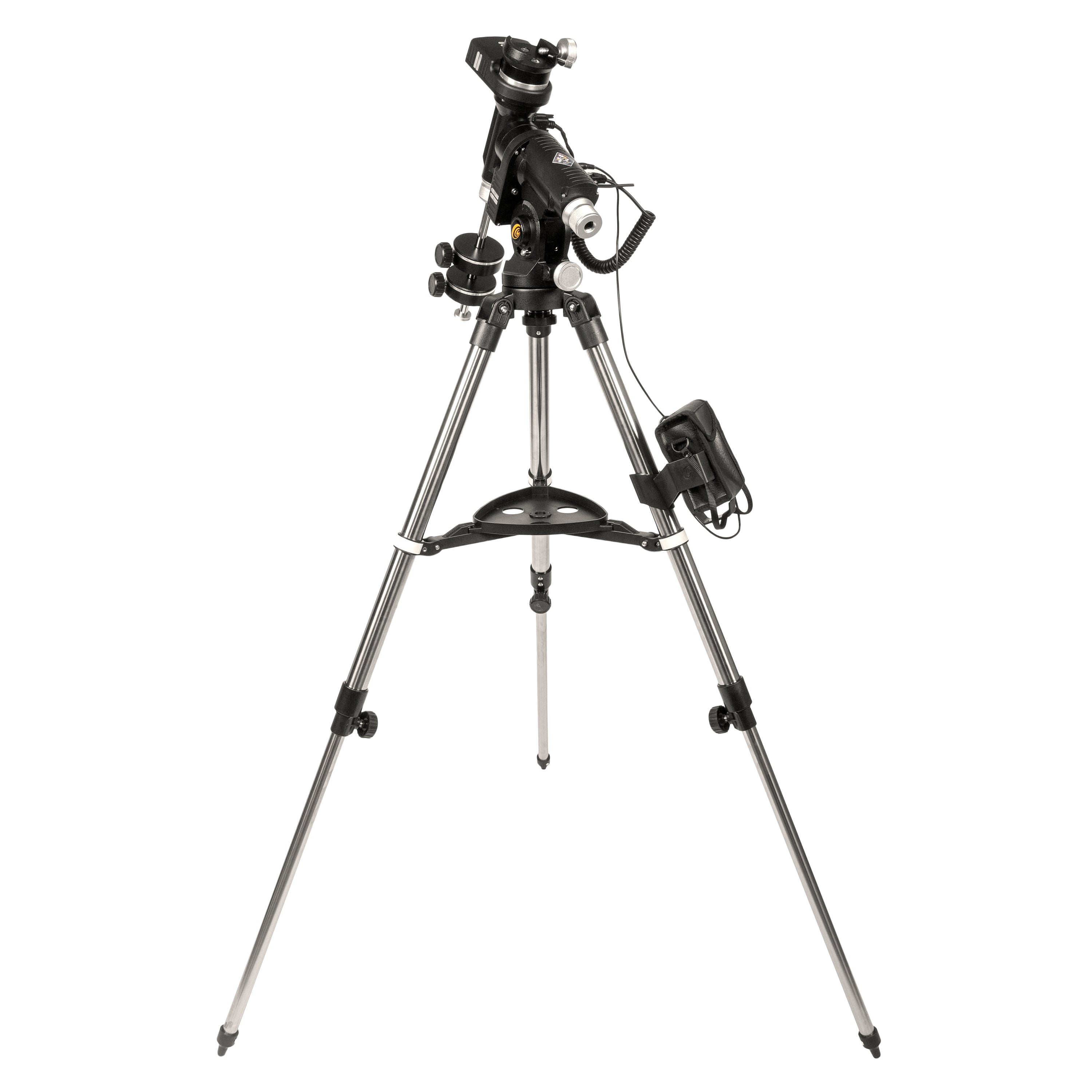
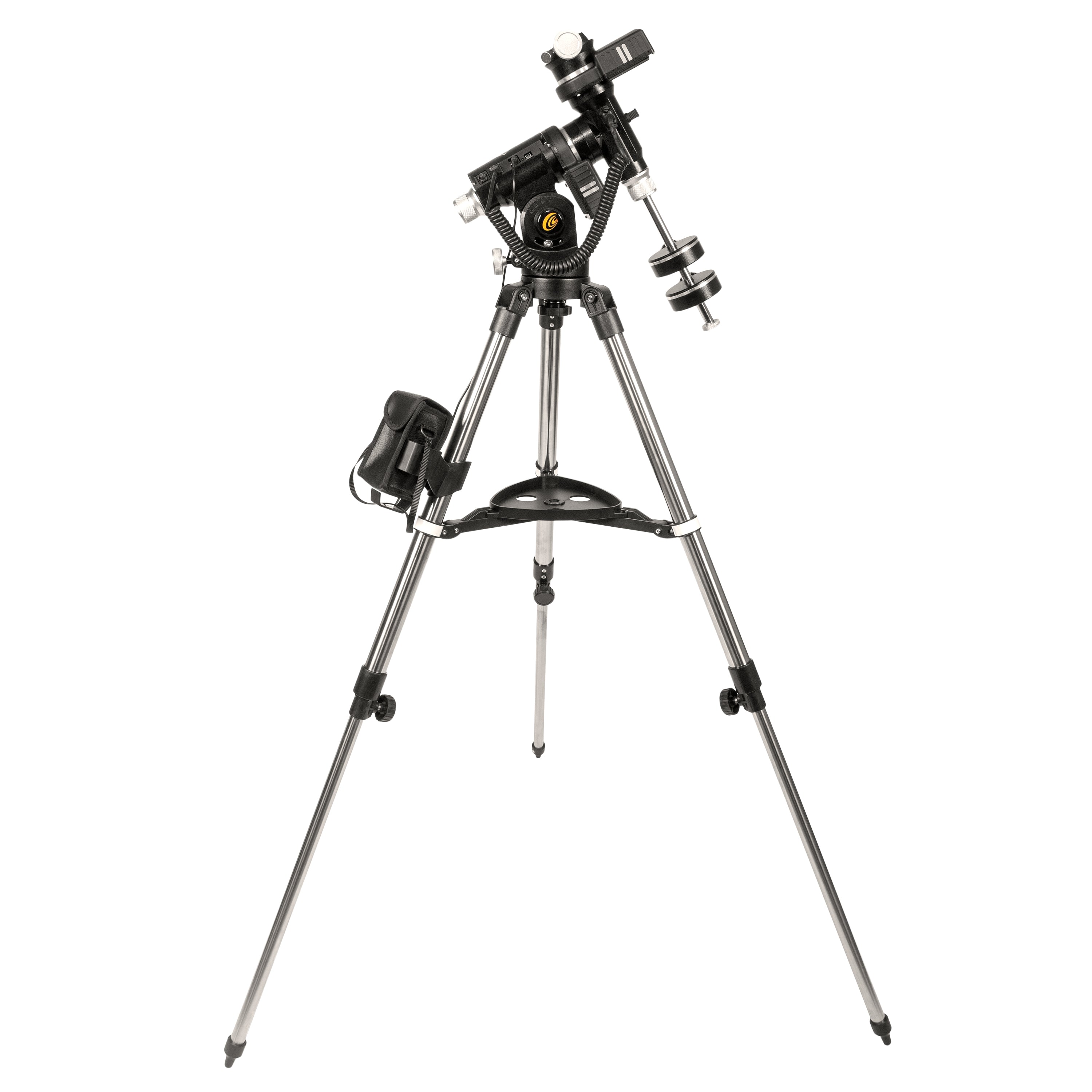
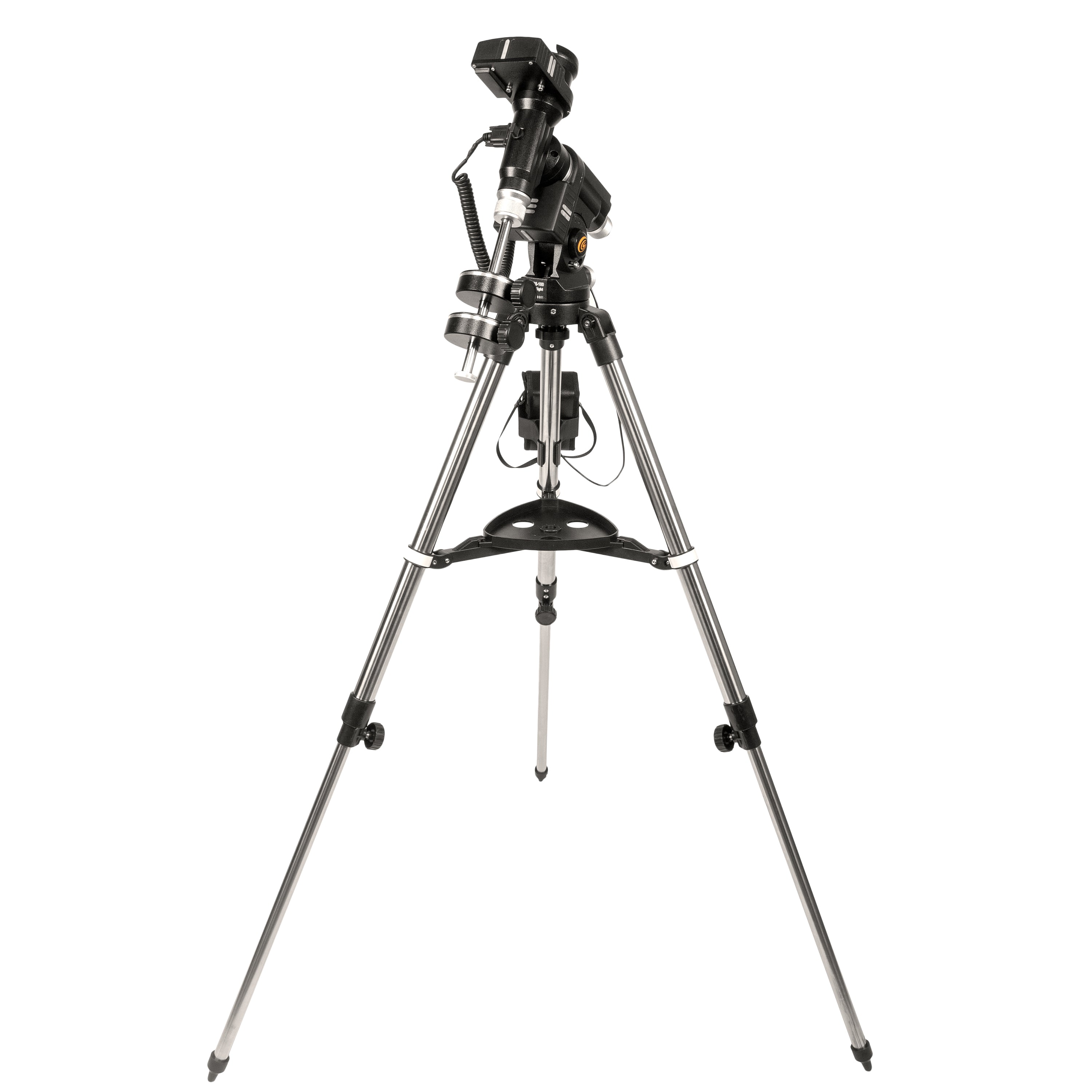
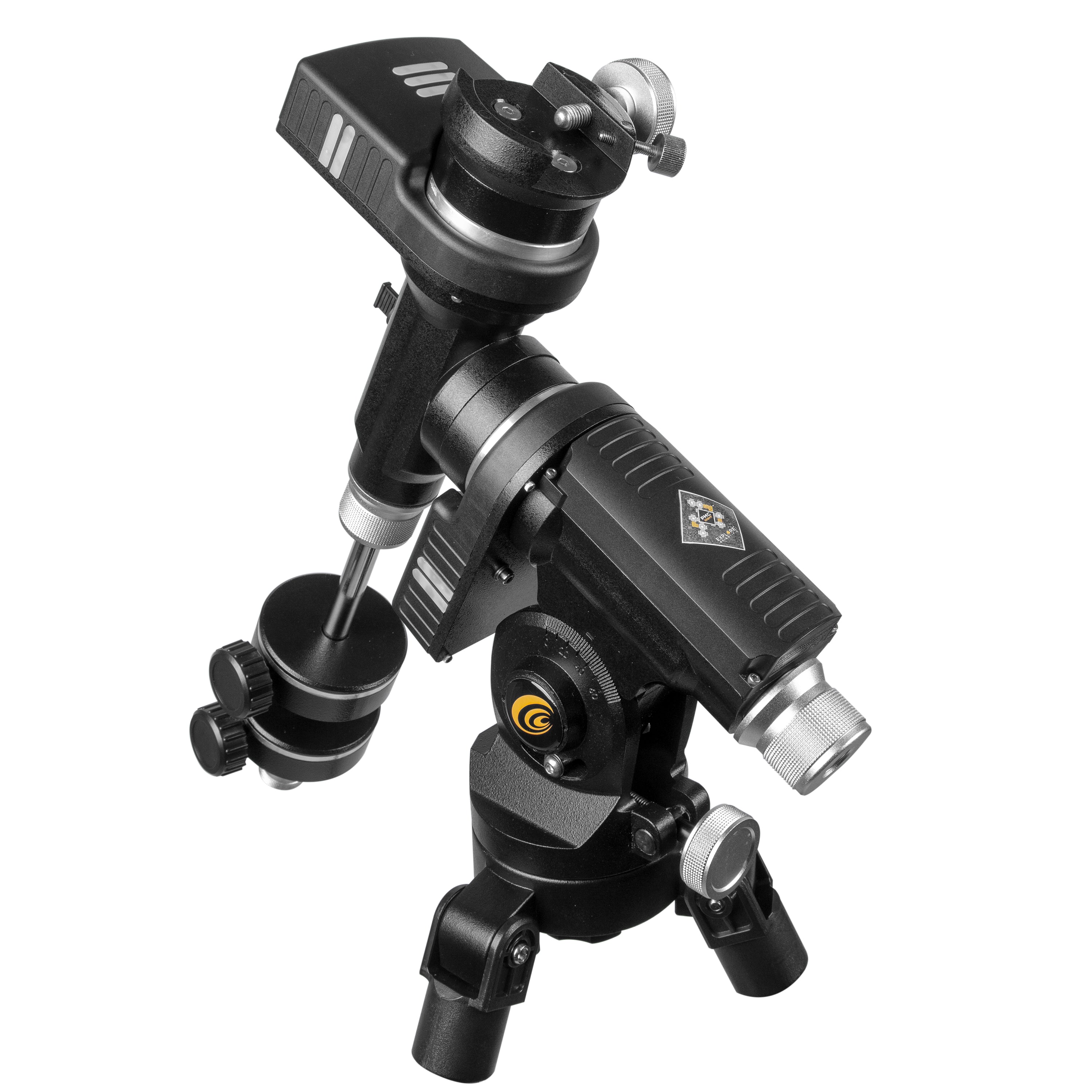
IEXOS-100-2 PMC八赤道跟踪器与WiFi和Bluetooth®
"就我而言,这是最终的便携式系统。"
- 吉姆·约翰斯顿天文学家
特征
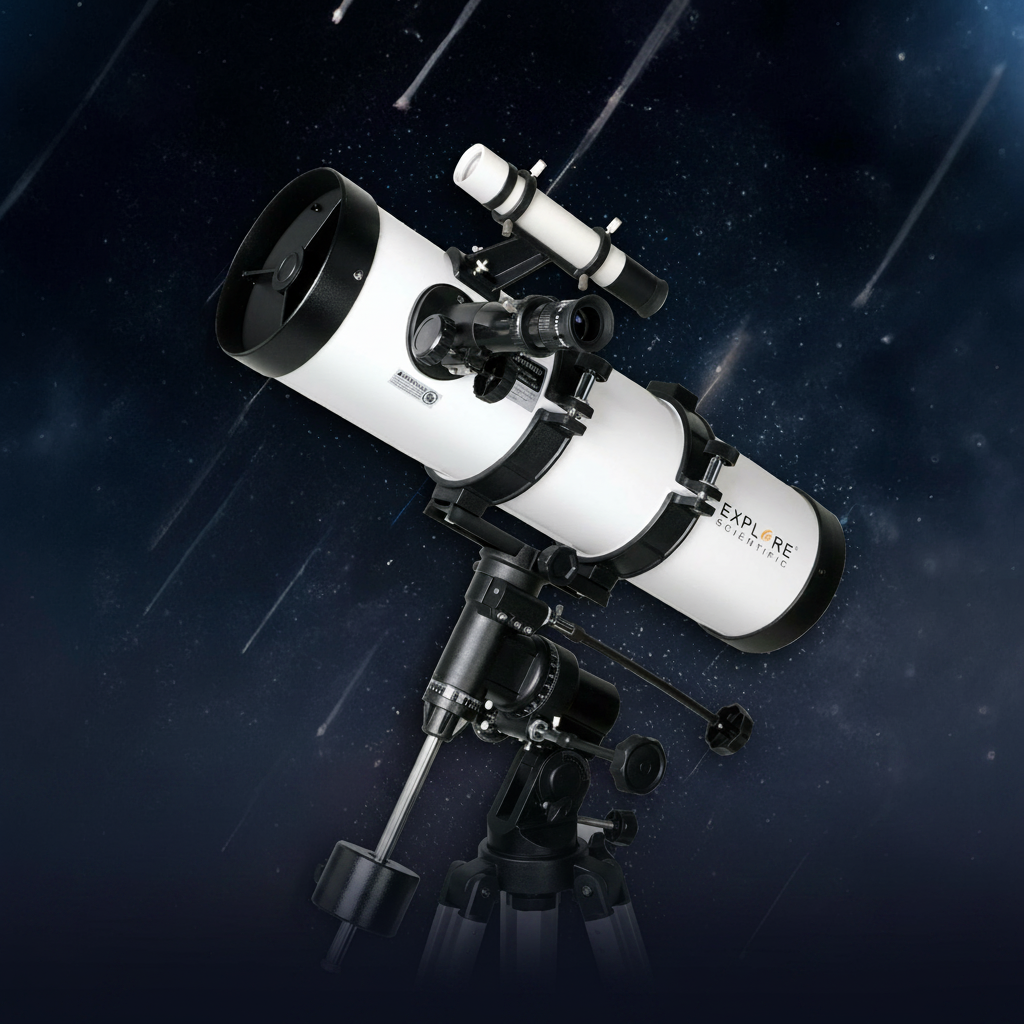
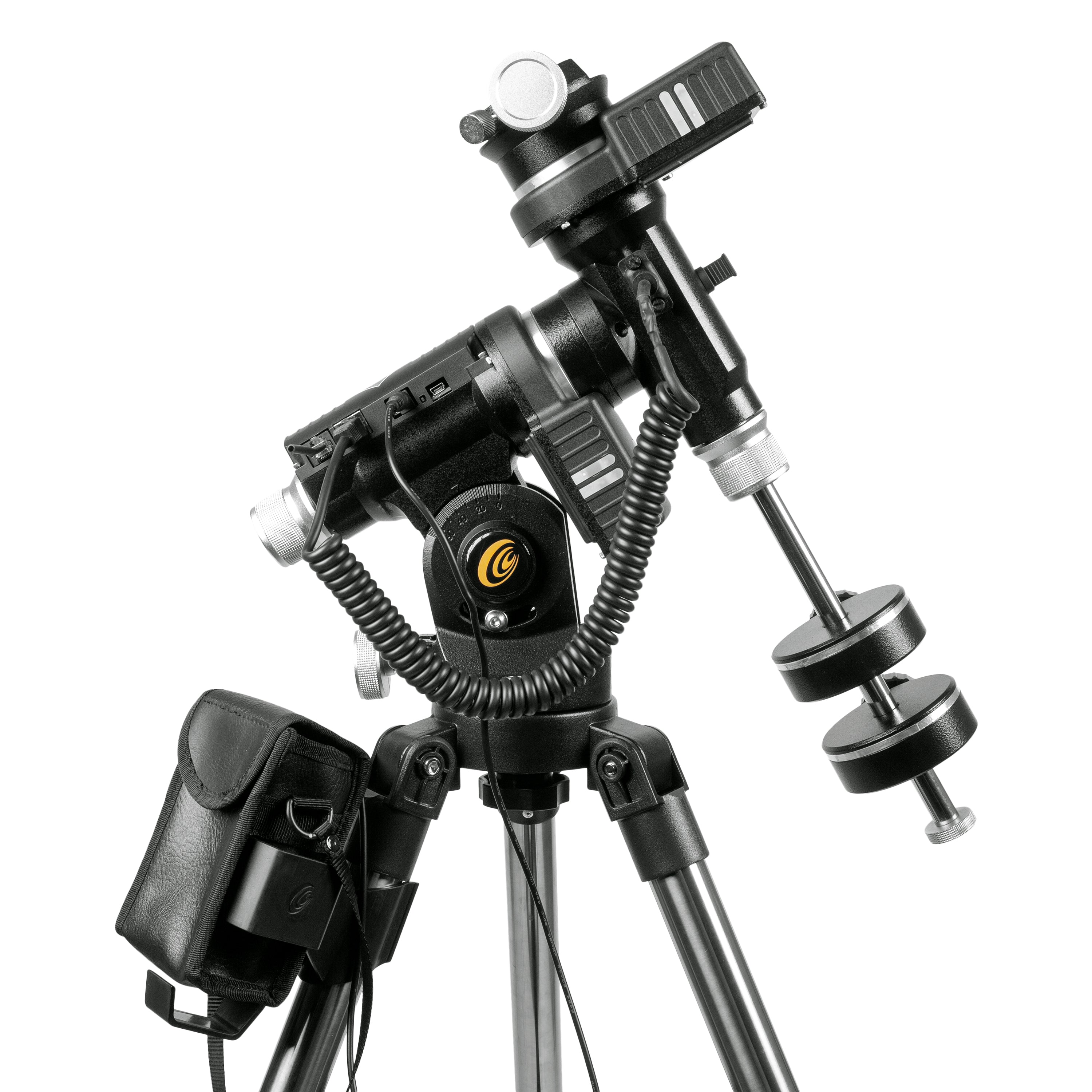
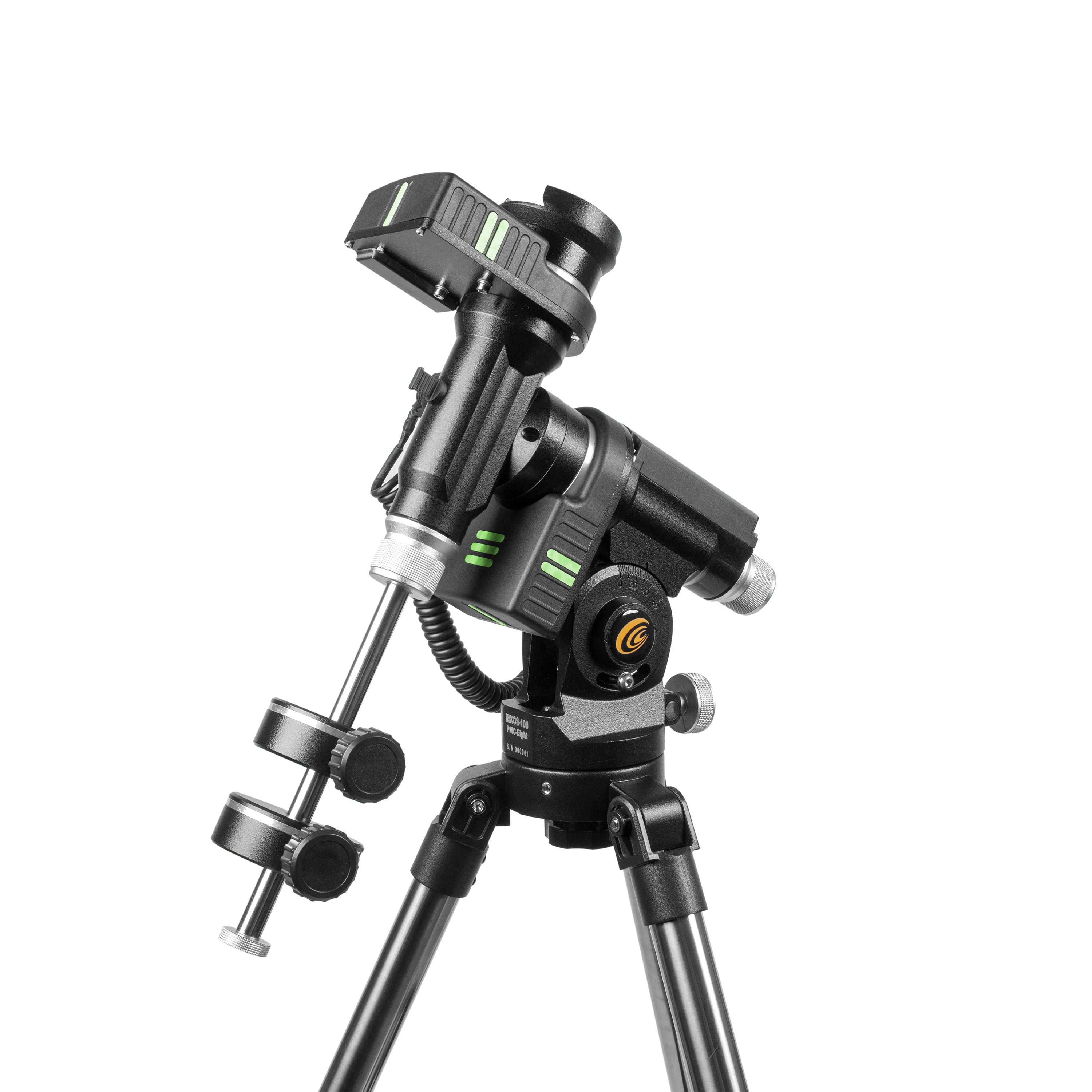
IEXOS-100是一种天文学系统,它利用了经过验证的德国赤道安装设计,并探索了科学的革命性PMC-eight™精密运动控制系统,可以完美地浏览夜空并在其穿越它的过程中跟踪对象。功能包括:
- 综合探索科学PMC八™系统,通过利用八个CPU相互独立运行来专注于定义的功能,从而超越了行业标准单个处理器,从而带来了卓越的响应性,效率,可靠性,可靠性和惊人的空间时间间隔。
- 握住双轴蠕虫齿轮,带安静的精密步进电动带驱动器
- 可用于Apple,Android和Windows平板电脑的Intuitive Explorestars应用程序,使操作goto系统变得易于操作。通过它,用户可以快速对齐望远镜,浏览星星并学习有关数以万计的天体对象的细节
- 抓紧的RA和偏斜轴是光滑的,可以进行精确的平衡,从而使您的望远镜有效地重新定位
- 极性对齐孔通过RA轴和精确的高度控制,以进行快速对齐,无极性范围。
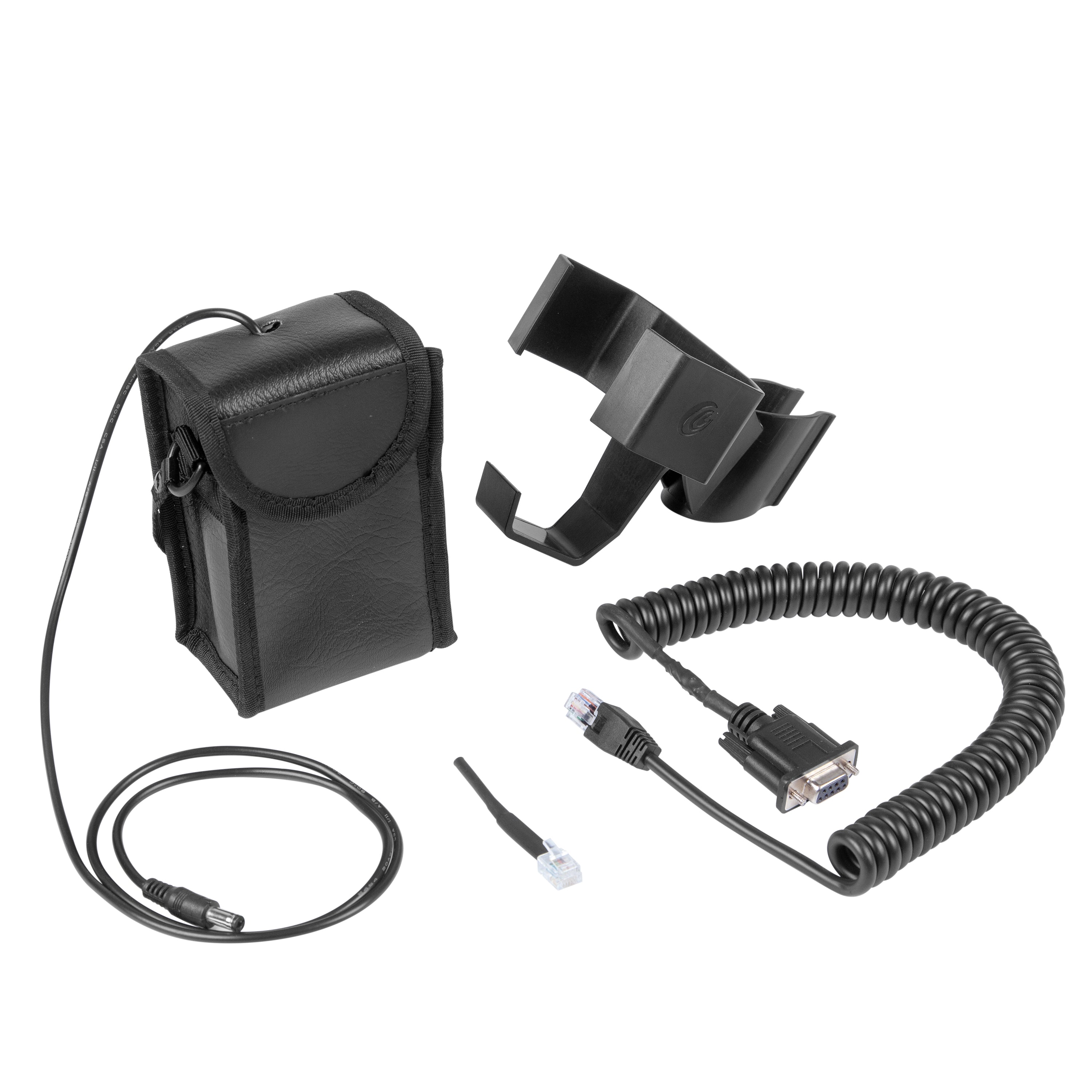
- 使用PMC-eight™系统动力的电池组使用8 C电池,并在使用的三脚架腿上固定在支架上
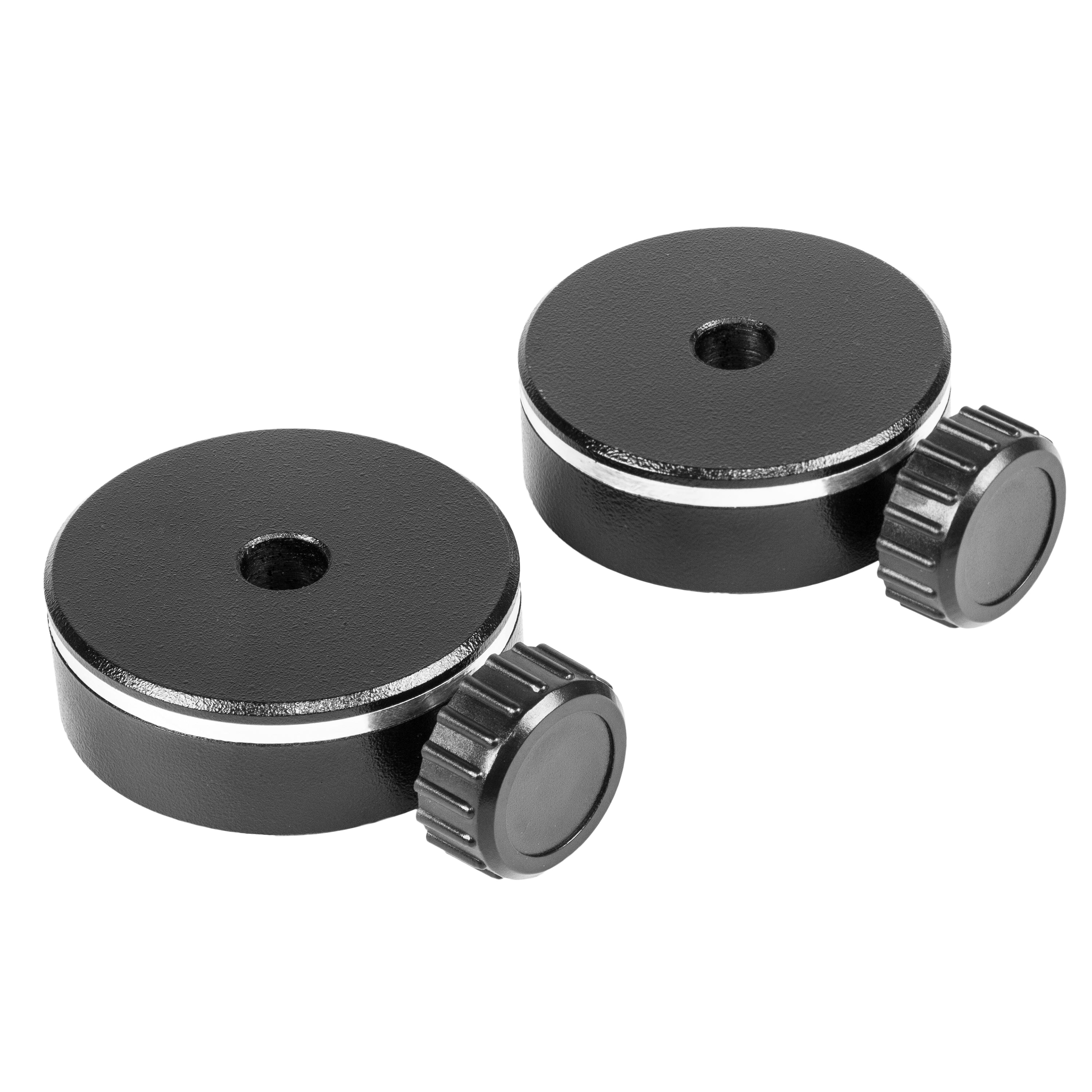
- 包括两个1公斤的配重
- 坐骑和三脚架上的黑暗标记
描述
IEXOS-100 PMC八™ 赤道跟踪器系统是完整的天文计算机WiFi或有线GoTo赤道跟踪器,具有集成的PMC八™ 适用于附加的电子设备 小型望远镜或数码单反相机 附着在探索科学的数码单反相机燕尾组件上。
与Free ExploRestars应用程序一起用于平板电脑(Windows,Android,Amazon和Apple),或与免费的ASCOM标准符合PMC-8™ ASCOM驱动程序和ASCOM POTH客户端来自探索科学(有线或无线),以使用几乎所有支持ASCOM的天空软件。平板电脑或计算机必须单独购买。
IEXOS-100利用了经过验证的德国赤道安装设计,并探索Scientific的革命性PMC-eight™精密运动控制系统,可以完美地浏览夜空,并在它们穿越它时跟踪对象。这种组合提供了卓越的观察和成像性能,而无需过价标签。
Goto系统在业余天文学世界中起着重要作用,因为它们确保用户花费更少的时间来寻找特定对象,并更多的时间观察和成像。 PMC八™ 它的多功能连接可免费为Windows计算机或Android和iOS平板电脑免费下载应用程序(平板电脑必须具有至少7英寸),或者通过免费下载ASCOM PMC-八™ 驱动程序和POTH客户端可以连接到您喜欢的ASCOM符合性的天文软件,可以使您可以从几英尺外或通过与世界上几乎任何地方的Internet连接进行连接到计算机对计算机来控制望远镜。
IEXOS-100系统的杰出功能之一是其德国赤道设计。在用望远镜跟踪恒星时,没有什么可以与德国赤道安装座(GEM)进行比较,因为它会在东方升起并在西部升起时准确地遵循物体。对于观察者来说,宝石可以轻松将天体目标保持在目镜中。对于成像仪,它可以帮助您避免常见的天体摄影图(例如野外旋转)。
在跟踪一个物体之前,您需要找到它,当您面对巨大的黑色天空或明亮的城市天空时,目标可能会令人生畏。 IEXOS-100在您的天文工具的武器库中构成了一个强大的Goto系统,这使挫败感摆脱了夜空。探索科学的PMC-eight™系统的集成版本通过利用8核微控制器的行业标准单处理器超越了行业标准单个处理器,其八个CPU彼此独立运行,专注于定义的功能。处理器之间的任务委派导致了一个系统,该系统提供了卓越的响应能力,效率,可靠性和惊人的快速时序间隔,以使图像获取和准确的跟踪。
尽管它内部很复杂,但是使用Explorestars应用程序可以轻松地从您自己的Apple,Android或Windows平板电脑中操作GOTO系统,该应用具有直观的性质,它使您可以简单快捷地对齐望远镜,浏览望远镜,导航星星并学习有关有关的明星的细节成千上万的天体物体。这个动态应用程序是由一个常规更新的数据库推动的,以确保其仍然是相关的资源。
我们致力于创建精简的goto安装座的承诺在其他设计选择中很明显。 IEXOS-100具有光滑的锁定离合器,可让您快速将望远镜从一侧重新定位到另一侧,而高度旋钮进行平滑的高度调节。安装基座包括一个小的极地对齐隧道,该隧道使用户可以将其观测设置与Polaris大致对齐。稳定三脚架时,它还具有简单的气泡水平。其他功能包括用于持有电池组的支架,该电池组为PMC八™ 通过8 C电池进行系统(不包括);平衡两个1公斤的配重;并在坐骑和三脚架的某些点上发光的黑暗标记,因此您可以在晚上保持定位。该安装座的设计最多可容纳19磅(范围,配件和配重)。
坐骑重9.45磅(4.29千克),而轻量级旅行三脚架 配件托盘重5.5磅(2.5千克)。这 旅行三脚架,倒塌时高27.25英寸(69.21厘米)。
推荐产品:
资源:
眼镜
| 项目编号 | ES-IEXOS-100-02 |
| 安装头重量 | 9.45磅 |
| 三脚架重量 | 5.35磅 |
| 三脚架完全倒塌了,没有安装头: | 25.5” |
| 三脚架打开,缩回的腿,没有安装头: | 25” |
| 三脚架打开,用座头缩回腿: | 最高点38.5英寸,安装支架的中心36英寸 |
| 三脚架打开,腿完全伸展,没有坐骑的头: | 42” |
| 三脚架打开,腿完全伸向座头: | 最高点45英寸 |
| 配重: | 每个1公斤 |
| 安装重量容量: | 大约9磅(仅设备重量),15磅摄影(设备和配重);大约19磅视觉(设备和配重) |
视频
保修单
有限保修是一年,当产品在购买后60天内注册时,它将转换为探索星级保修。 点击这里 注册。
软件
软件
查找有关我们的PMC八个问题的插入 知识库
下载 说明手册
CA居民: 道具65警告
Product Specifications
Additional Product Information
Recommended Products
Product Resources
Equatorial tracker praised for affordability and tracking precision. Customers said it's "excellent considering its price" with "very capable" performance. Setup challenges noted with software/firmware and WiFi connectivity. Missing azimuth adjuster criticized. Professional customer service resolved issues effectively. Learning curve exists but manageable for beginners in astrophotography.
- Easy to set up and use, and tracks very nicely! I am very happy with it.
- Great product and great customer service. Makes me feel like a pro.
- Very capable mount given its very affordable price.
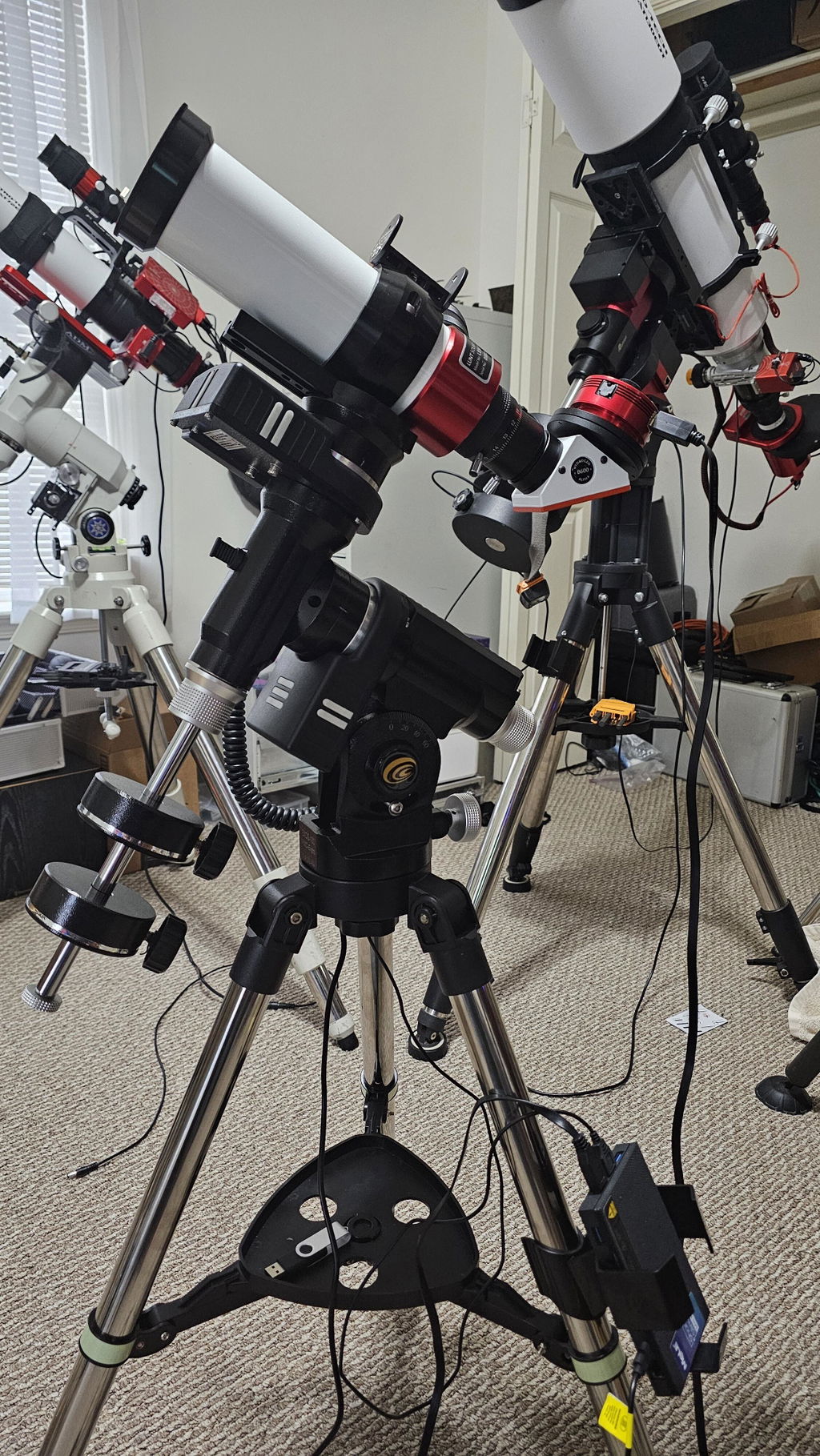
The iEXOS-100-2 PMC-Eight may not be considered by some to be an all around "premium" mount, but if you are looking for an inexpensive German Equatorial Mount as a starting point this one might be just what the Doctor ordered. I have three other mounts from different brands that are controlled by ASI Air Plus controllers and I use them for DSO astrophotography. The PCM Eight mount was chosen because I was building a dedicated Solar Imaging rig with a Lunt Solar systems LS50T Ha (Hydrogen Alpha) telescope. I didn't need a mount that could carry a massive payload, I wasn't going to need the typical accessories (EFW, EAF, Dew Heaters, etc.) and I really didn't want to spend a ton of money. My first test run with an ASI Air Mini was less then satisfactory so I switched to MeLee Quieter 3Q mini-PC running Windows 11 and ASCOM/NINA. Unfortunately this configuration didn't perform any better, so I wiped the mini-PC and installed Stellarmate OS. The difference was like night and day. Up until this point I was a die hard Air user and I have never really been keen on using anything that required desktop sharing, but for some strange reason neither of those systems seemed to like the PMC-Eight. There were disconnects, random tracking turn-offs, and difficulties with Park and Home functionality. The first time the PC booted into Stellarmate the mount connected on the first shot and it never skipped a beat. The Stellarmate UI is different from the Air and NINA UIs, but once you get a a handle on it everything falls into place.
An excellent experience with Explore Scientific and this product. Mr. Kent and the entire Explore Scientific team proved to be professional and reliable. This equatorial mount is excellent considering its price. I am very satisfied with the product and the after-sales service I received.
I thank Mr. Kent and all the Explore Scientific staff who have solved all the problems encountered with seriousness and professionalism.
Also the product is excellent for a number of reasons that would be too long to write here.
Absolutely satisfied with the product and professionalism of Explore Scientific.
Poor product. Not able to set it up to function properly. was returned.
changing the initial review as everything I thought about the mount when I got to when I got to use it. It was determined to have a faulty RA motor. I have been back and forth with support for a week but all I get from them is "We checked it out here" and "It must be the pully on the motor".. I ended up buying a replacement motor so I can use the mount mount I purchased. Not a great first experience from explore scientific, Could have just sent a replacement and I will change this review slightly if they do ever end up sending another motor...
I've only had limited opportunities to use it so far (too many cloudy nights) but the small amount I have been able to use it is seems a very capable mount given its very affordable price.
The iexos is great so far. Obivously when you buy a new piece of equipment its gonna be cloudy for the whole week but I’ve managed to get it outside once or twice. It came very quick and well packaged. It was super easy to set up everything worked as it should right out of the box. I did run into a slight problem after installing the drivers from the explore scientific website though. After you install them and open NINA it might be set to the wrong mount. It’s a very easy fix though, just select the gear button when connecting and make sure the drop down is set to iexos not anything else, just took me a second to figure out why my stars had trails. the only other complaint is that it doesn’t come with an azimuth adjuster. This isnt too big a problem because you can loosen the screw on the bottom of the tripod and turn the mount by hand. With three point polar alignment I got it down to below an arc minute without the az adjuster. 10/10 though and its cheaper than a tracker.
Tres bien comme monture ,aliage robuste ,tres precis lors de suivi ,la seul difficulte est qu elle est diffice a brancher et faut jongler un peu pour demarrer l application explorestars .ca devrais avec le temps s ameliorer avec ce niveau la bon succes ,tres abordable et performante a ce prix
This mount seems to be just the thing for a small refractor. I would have given it five stars if ES had included the azimuth adjuster as part of the mount. What on earth were you thinking, making it a separately purchased add-on?!
The iExos 100 PMC-Eight is so easy to set up and use, and tracks very nicely! I am very happy with it.
This appears to be a nice small go to mount for a small ota or a camera. I bought this for a Conan camera and small 5 in sct.
I installed the explore stars app on windows 11 laptop and iPad. I was able to find the scope in the WiFi connection on both and perform simple mount movements. It was making some noise as if the gears were hanging.
Download and installed explore scientific PMC-Eight configuration manager and connected with the mount using usb cable. I updated to the lasted firmware which appear to go okay. I lost connection with the mount (I do not no why). But I have not been able to connect with it over WiFi. The mount does not show up in the WiFi connections list at all anymore. It appears that I can connect with the mount via usb and configuration manager. However, the mount never responds.
I also noticed when mount is powered up the red led comes on and then the green led comes on (briefly) the goes off. Then just t red led is on. The green led no long blinks as it original did prior to using the configuration manager software.
Not sure what I may have done incorrectly. But currently nothing with the mount is working.
Update: I submitted an issue with Explore Scientific. They were quick to respond. Initially I did not think was going to get the mount connected again. But the mount is back up and running.
The mount functioned perfectly for a first time user of a mount of any kind. Should come with a polar scope, and azimuth adjuster of sorts.
Getting all of the necessary software installed and working was a little difficult.But once I figured it out, it all worked perfectly! So far, I am very impressed with this mount!
Great product and great customer service from explore scientific. Im a beginner but this makes me feel like a pro, there is a little bit of a learning curve. However its a very small learning curve with their own software. I would highly recommend this product.
Still learning about it...it's making a huge difference in my astronomy and astrophotography experience.
The PMC tripod is great. I’m still learning about it since I have you here. I did order the power supply almost 3 weeks ago and still haven’t had it delivered. I hope it shows up shortly cause I know you have good reputation. That’s why I order from you guys thank you!Pete
Really loving the EQ GOTO mount. After getting it to work with ASCOM and polar aligning it works spot on. I am still waiting for a second one from Amazon and I ordered the AZ adjuster and polar scope for it. Wish I would have ordered directly from ES.
Took me a bit to figure out because most of the app info online is outdated. Once i did . I'm getting excited for some clear sky's
I am very impressed with the mechanical design and execution. They are done professionally and taking the stop off they move quietly, effortlessly and smoothly. Couldn't ask for more. Your documentation, especially for a MAC, is severally missing. After 2 weeks I have finally found out what sequence I need to do in order to get the mount to be found by either the ASCOM driver on a windows machine or INDI on my MAC. I have been totally unable to connect the drive to the WIFI through either ASCOM or INDI. The ExploreStars program on either the MAC or Windows connects to the mount through the WIFI with the mount being driven with the serial port. The biggest issue on the MAC is configuring the INDI driver. I have found no way to do that unless the higher level K-Stars or Cartes Du Ciel brings it up. I couldn't get PHD2 to connect to the INDI driver so my only solution for guiding was K-Stars but then an old V1 ASIAIR come up for $60 so I bought it to be my guide control and have given up controlling my mount with my MAC. For solar system photography it will run the capture from the camera for now.
I still believe at 299 it was a good value even considering the limitations. Buy that is only because I ended up getting a really good deal on the ASIAIR.
You sort of have some documentation about installing and running the ASCOM support but you have forgotten about the MAC. After days of trying different scenarios did I break the code that runs INDI to figure out how all the pieces play together. Had a document that showed the sequence been available it would have been SOOOOOO much easier. Just a note that I am a retired electrical engineer having worked with computers. Software is not new to me nor hardware. I have run linux systems as well as the windows and now MAC. I cannot imagine somebody trying this that has no breadthto rely on gettting this figured out.
And the one last one, there was not even a piece of paper inside the box that pointed you anywhere to get going.
David