




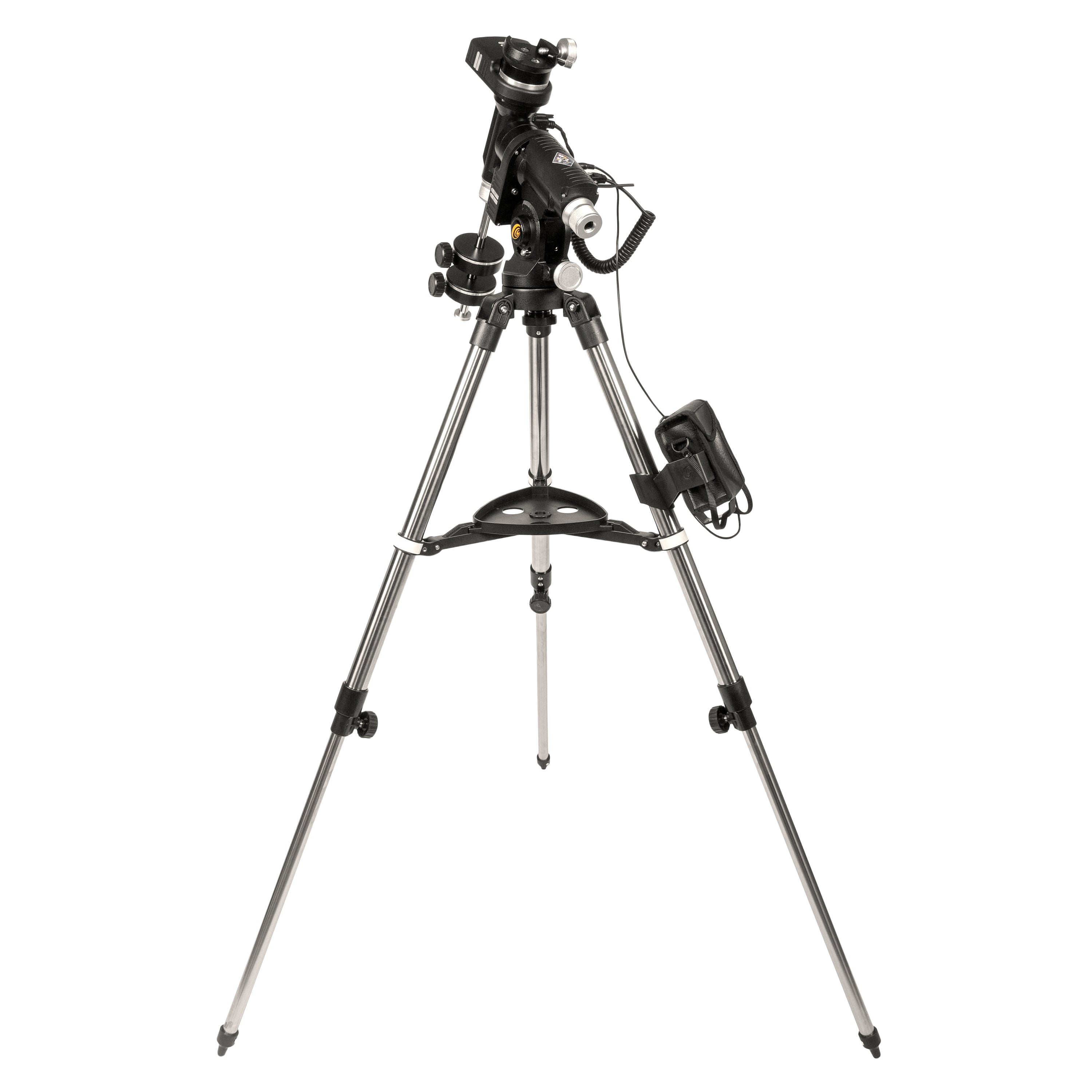
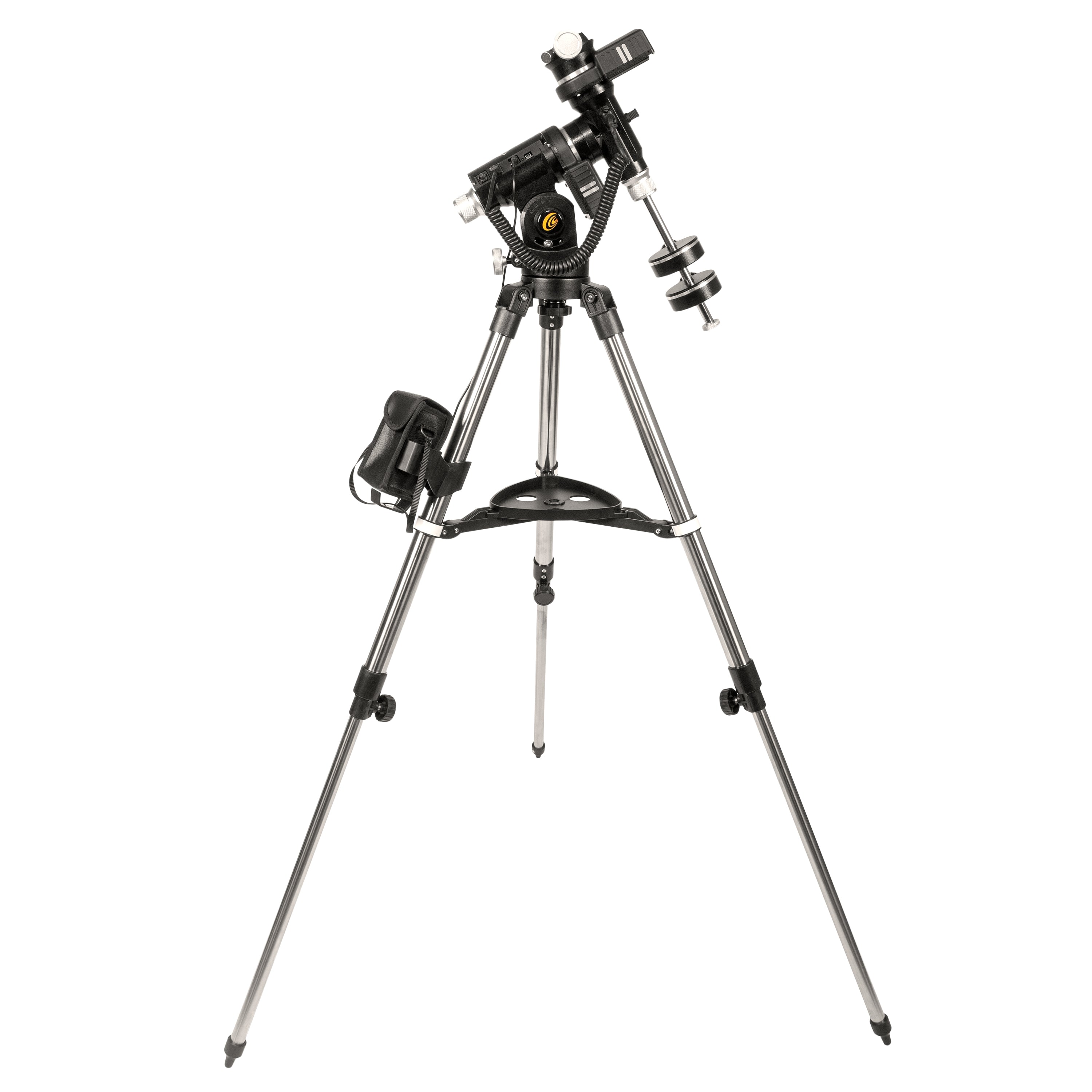
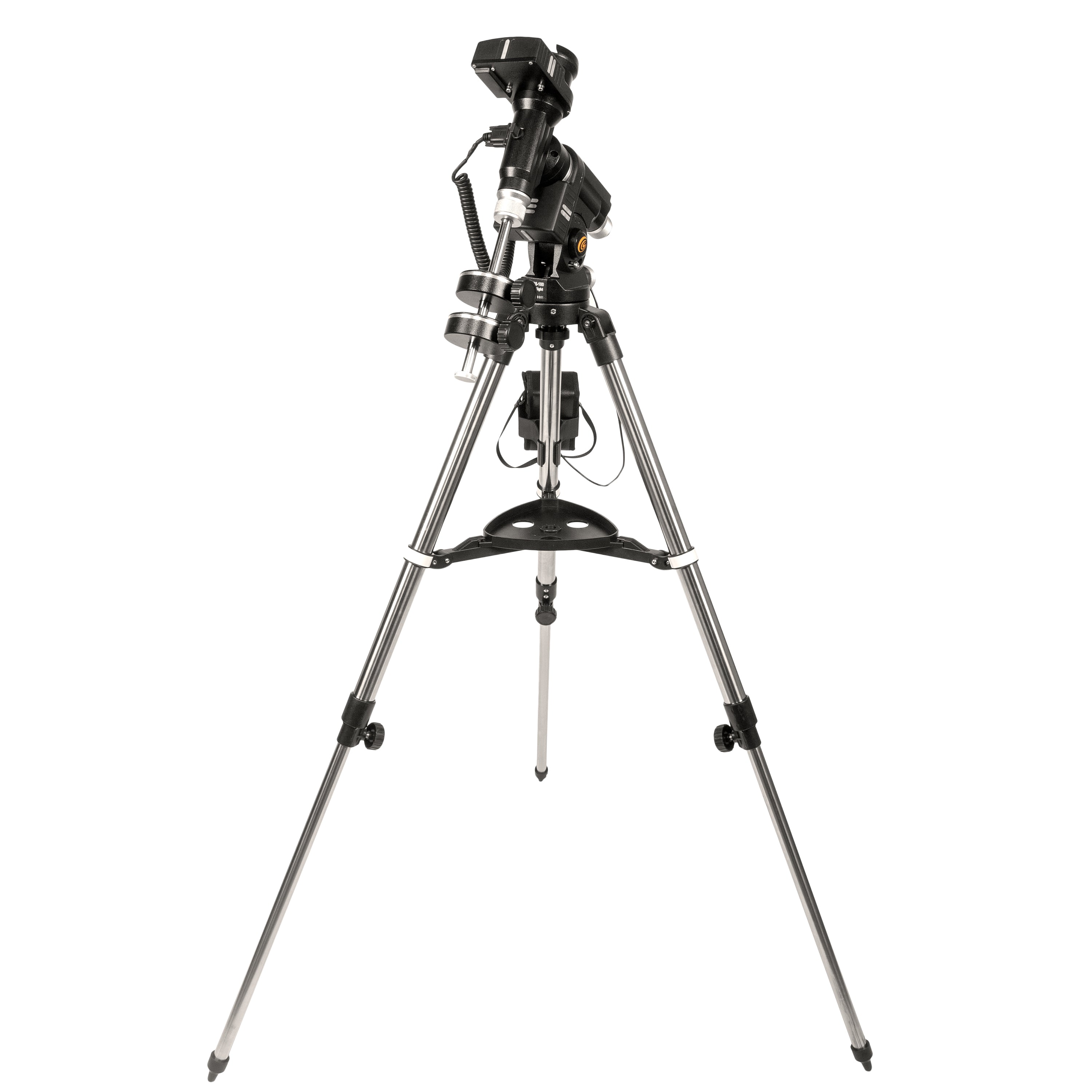
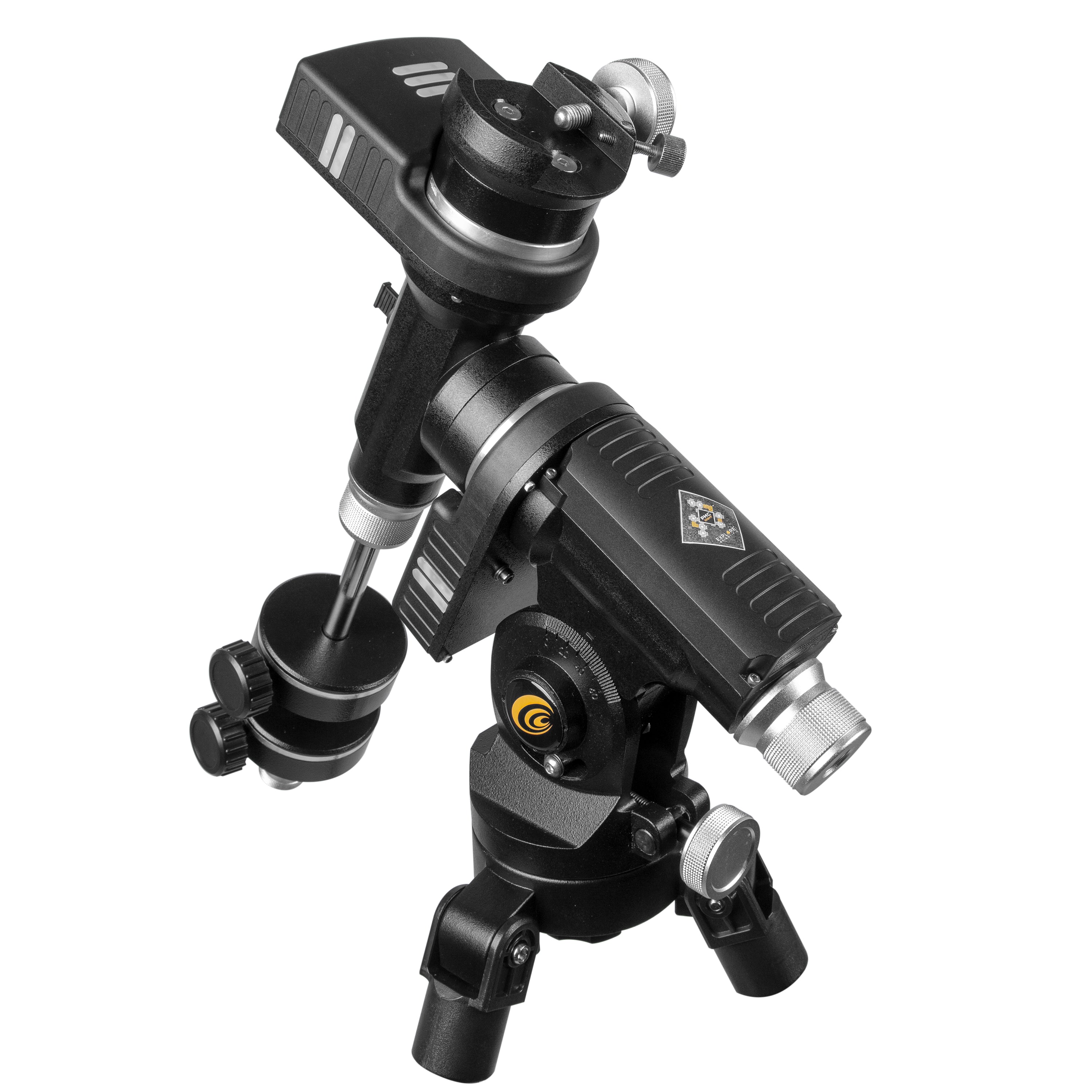

iEXOS-100-02 PMC-Eight Equatorial Tracker System with Wifi and Bluetooth
Purchase this tracker system and receive a FREE USB Power Bank with Red LED Flashlight. Simply add this tracker system to your cart, and the free gift will be automatically added and discounted at checkout.
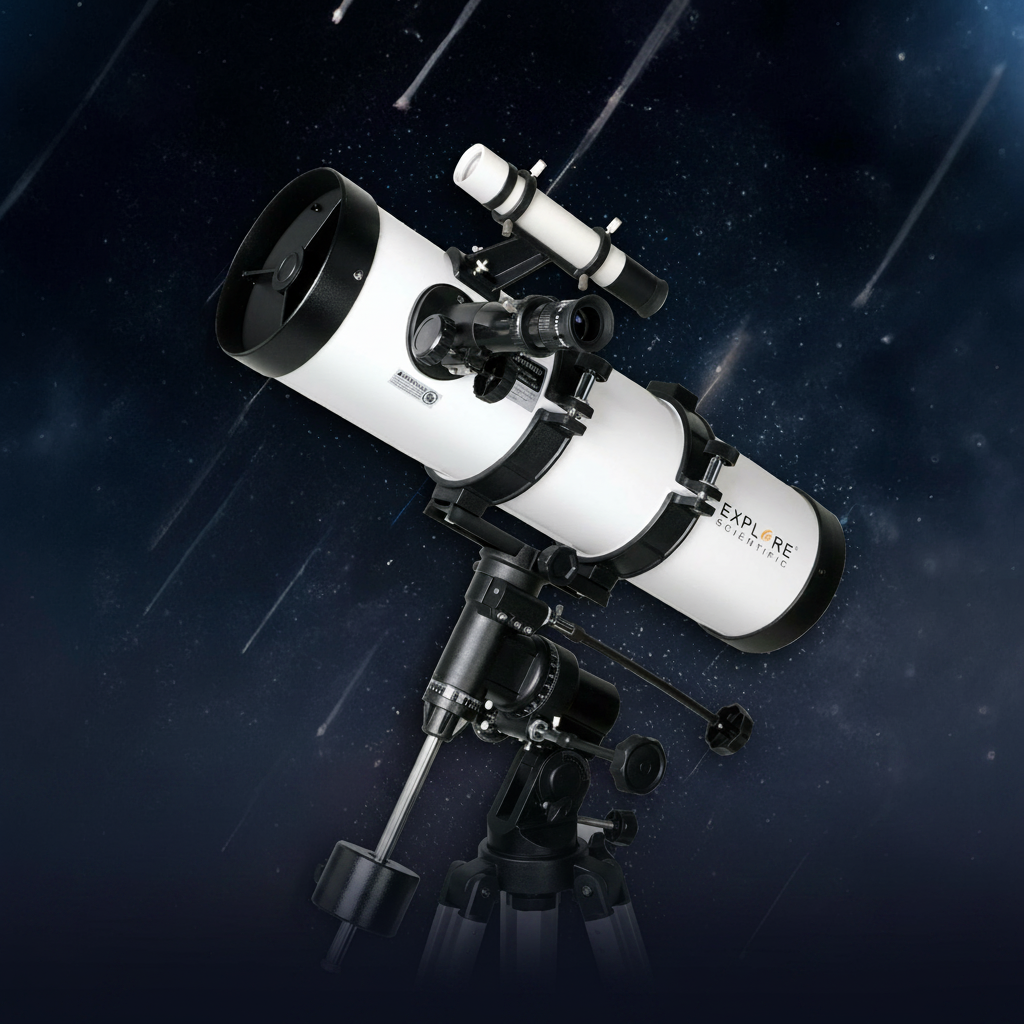
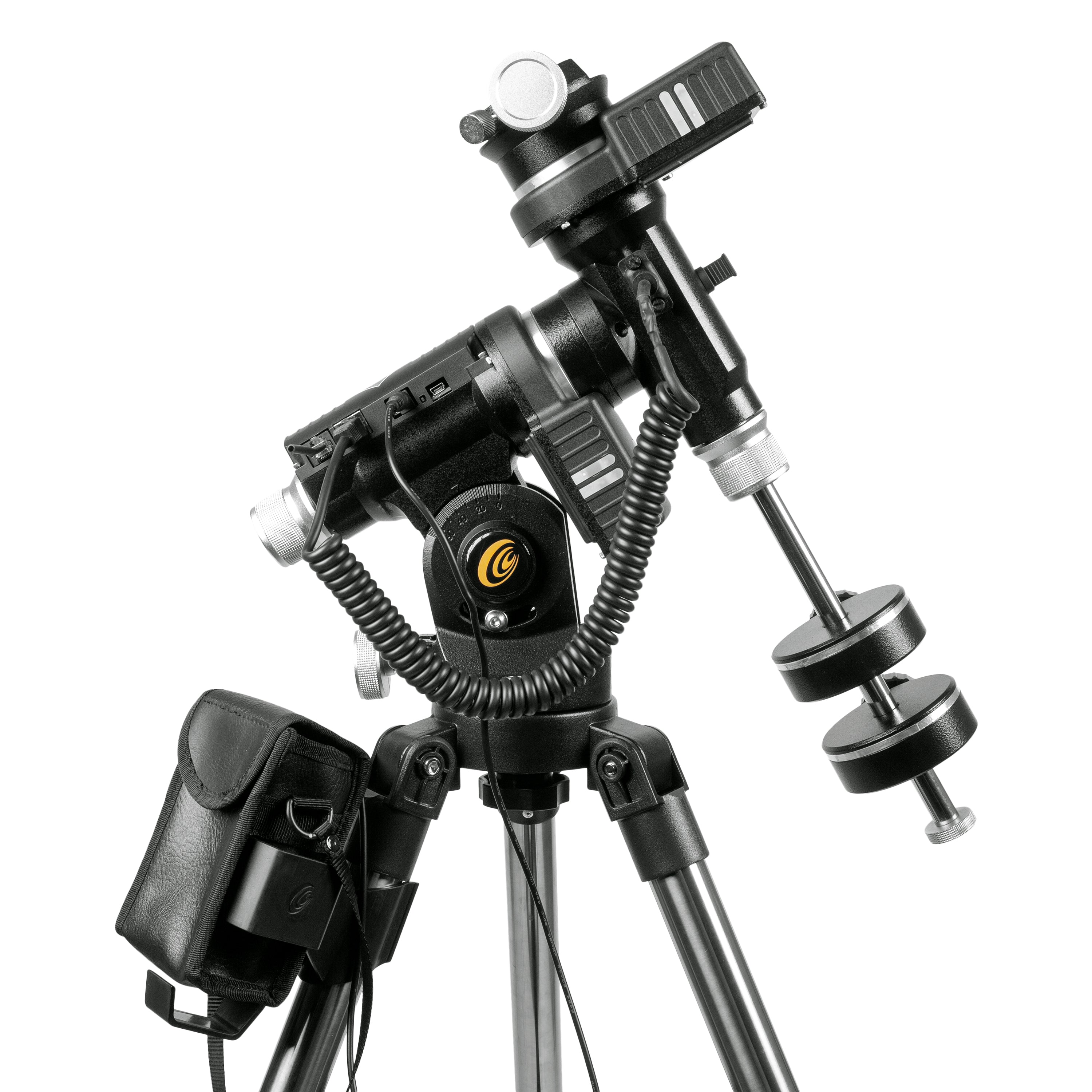
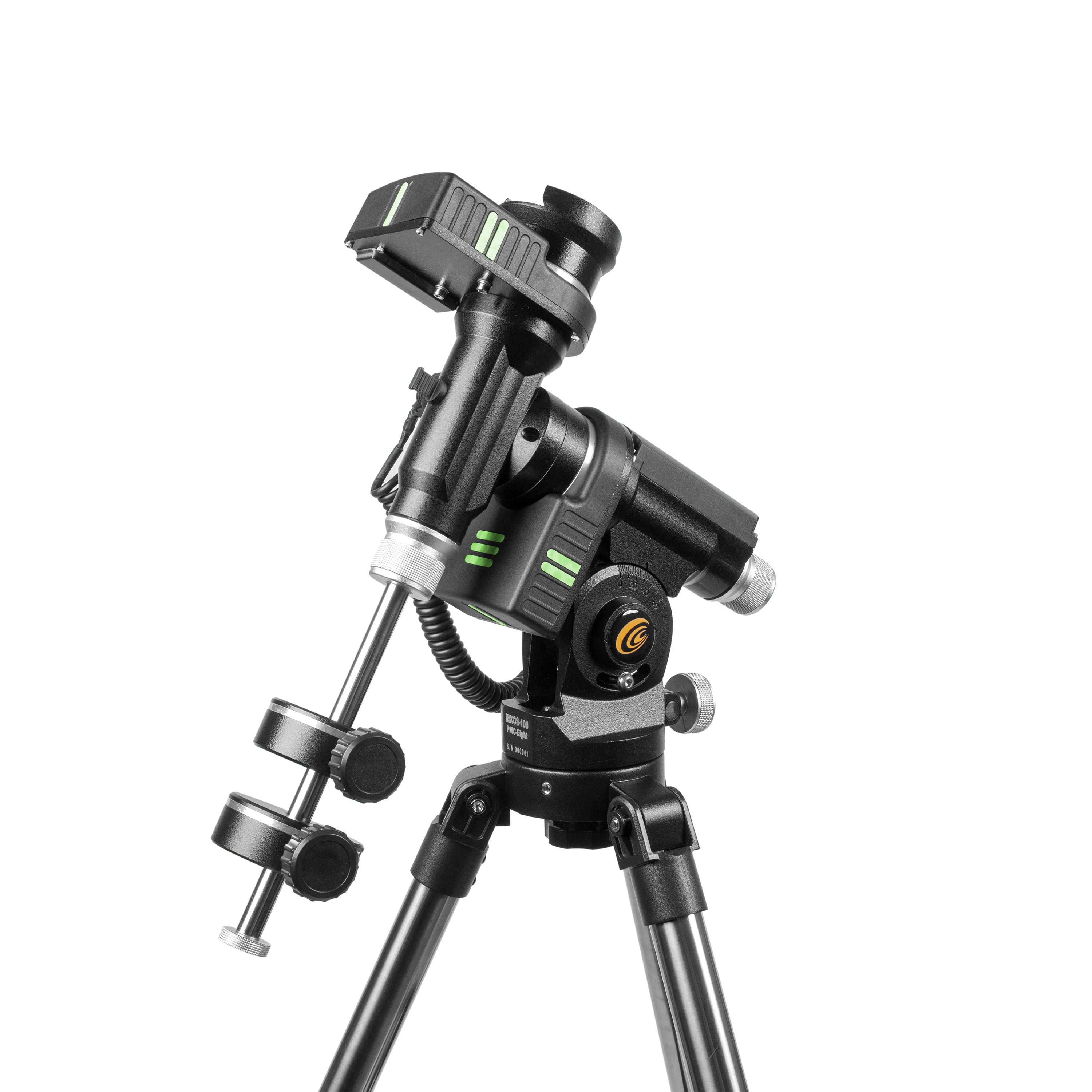
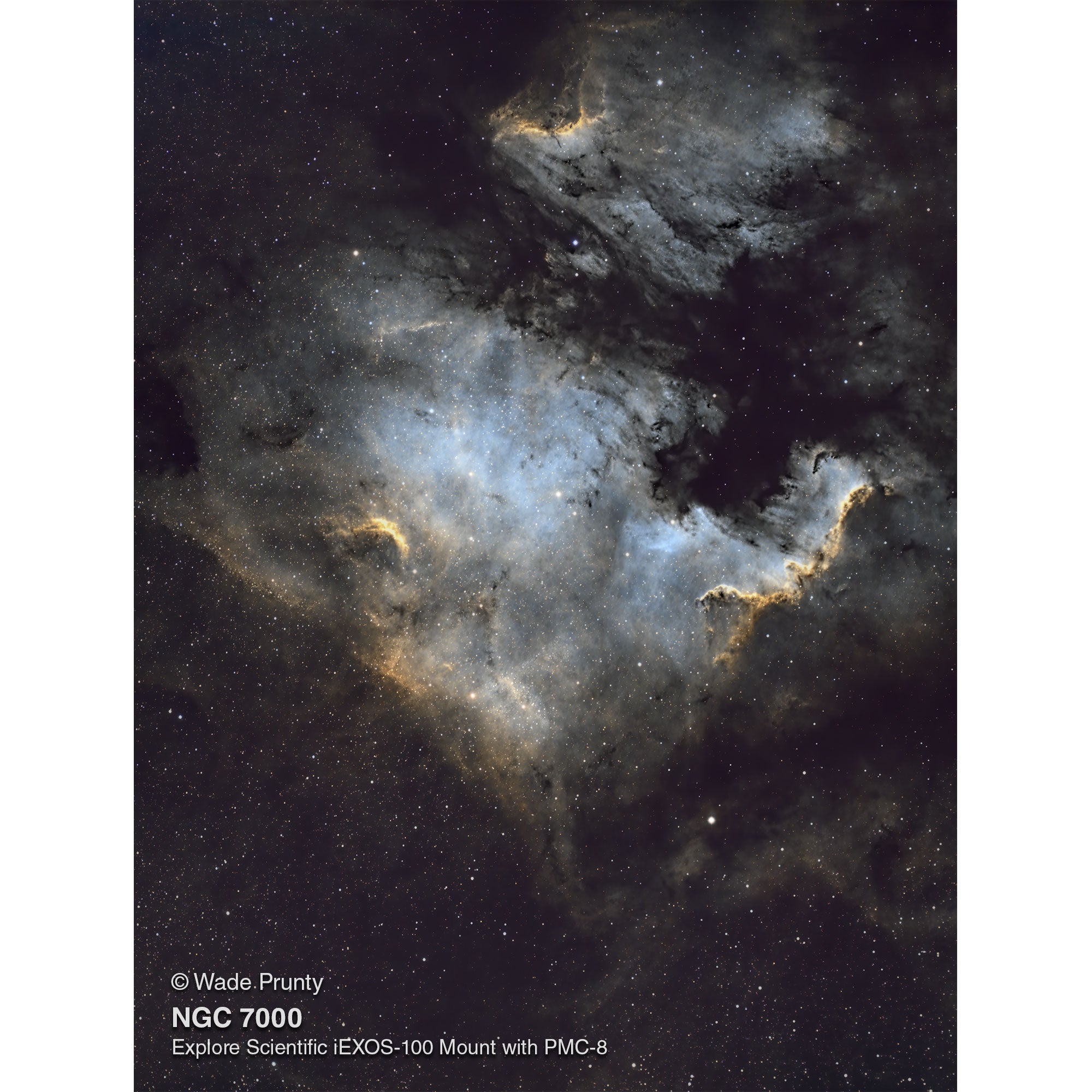
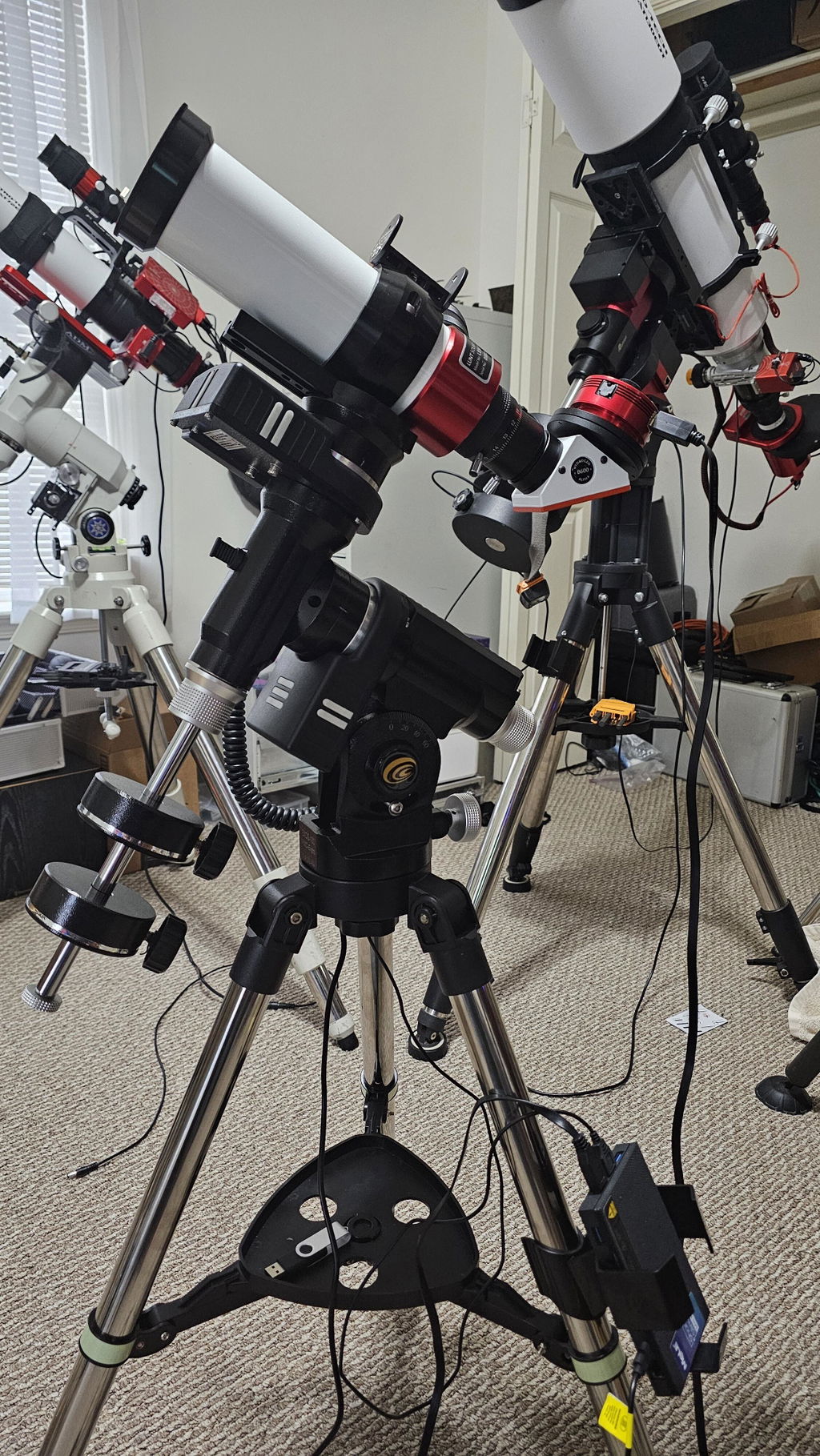
The iEXOS-100-02 PMC-Eight Equatorial Tracker System with WiFi and Bluetooth is a computerized German equatorial GOTO tracking system designed for portable astronomy and astrophotography. Combining Explore Scientific’s PMC-Eight Precision Motion Control technology with a proven equatorial mount design, the iEXOS-100-02 delivers accurate tracking, smooth slewing, and wireless control for small telescopes and DSLR camera setups. The PMC-Eight motion control system uses eight independent CPUs dedicated to specific operational tasks, improving responsiveness, reliability, timing precision, and tracking accuracy compared to traditional single-processor mounts.
Built-in WiFi and Bluetooth connectivity allow wireless control through the free ExploreStars app for Windows, Android, Amazon Fire, and Apple tablets. Users can align the mount, browse celestial objects, navigate the night sky, and access information on thousands of astronomical targets. The system also supports wired or wireless ASCOM connectivity through the PMC-Eight ASCOM driver and POTH Client, making it compatible with most ASCOM-supported astronomy software. The German Equatorial Mount (GEM) design provides accurate sidereal tracking for visual observing and astrophotography while minimizing field rotation during long exposures.
Features include:
- PMC-Eight multi-processor motion control system
- Built-in WiFi and Bluetooth connectivity
- Quiet dual-axis precision stepper motor belt drives
- Clutched worm gears for smooth balancing and repositioning
- Polar alignment sight hole through the RA axis
- Precision altitude adjustment controls
- ExploreStars app support for Windows, Android, Amazon Fire, and Apple tablets
- ASCOM-compliant driver support
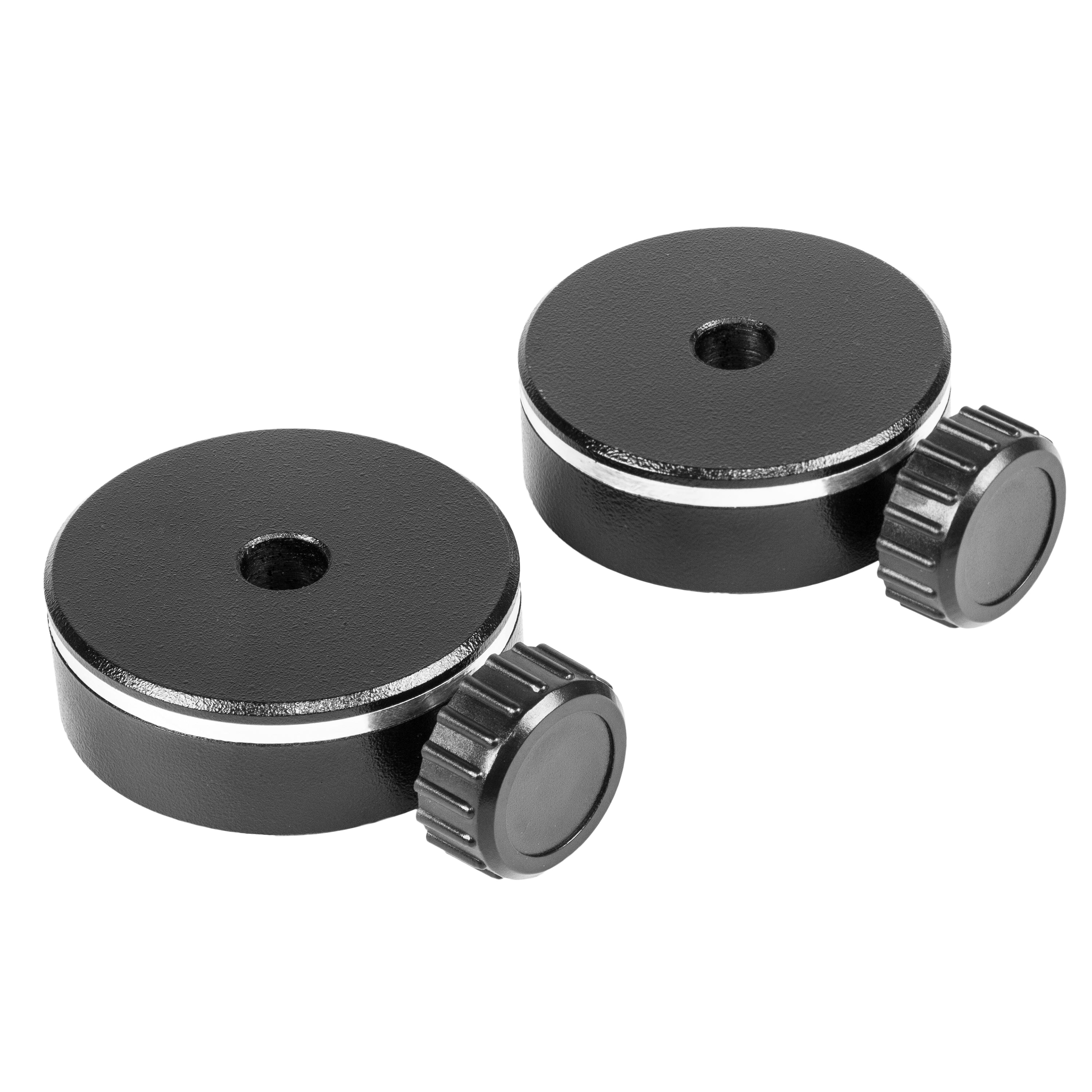
- Two included 1 kg counterweights
- Glow-in-the-dark mount and tripod markings
- Compatible with small telescopes and DSLR camera systems
- Portable design for observing and astrophotography
Smooth RA and DEC locking clutches allow precise balancing and quick repositioning of telescope or camera setups. The integrated bubble level and built-in polar alignment sight hole simplify field setup without requiring a separate polar scope.
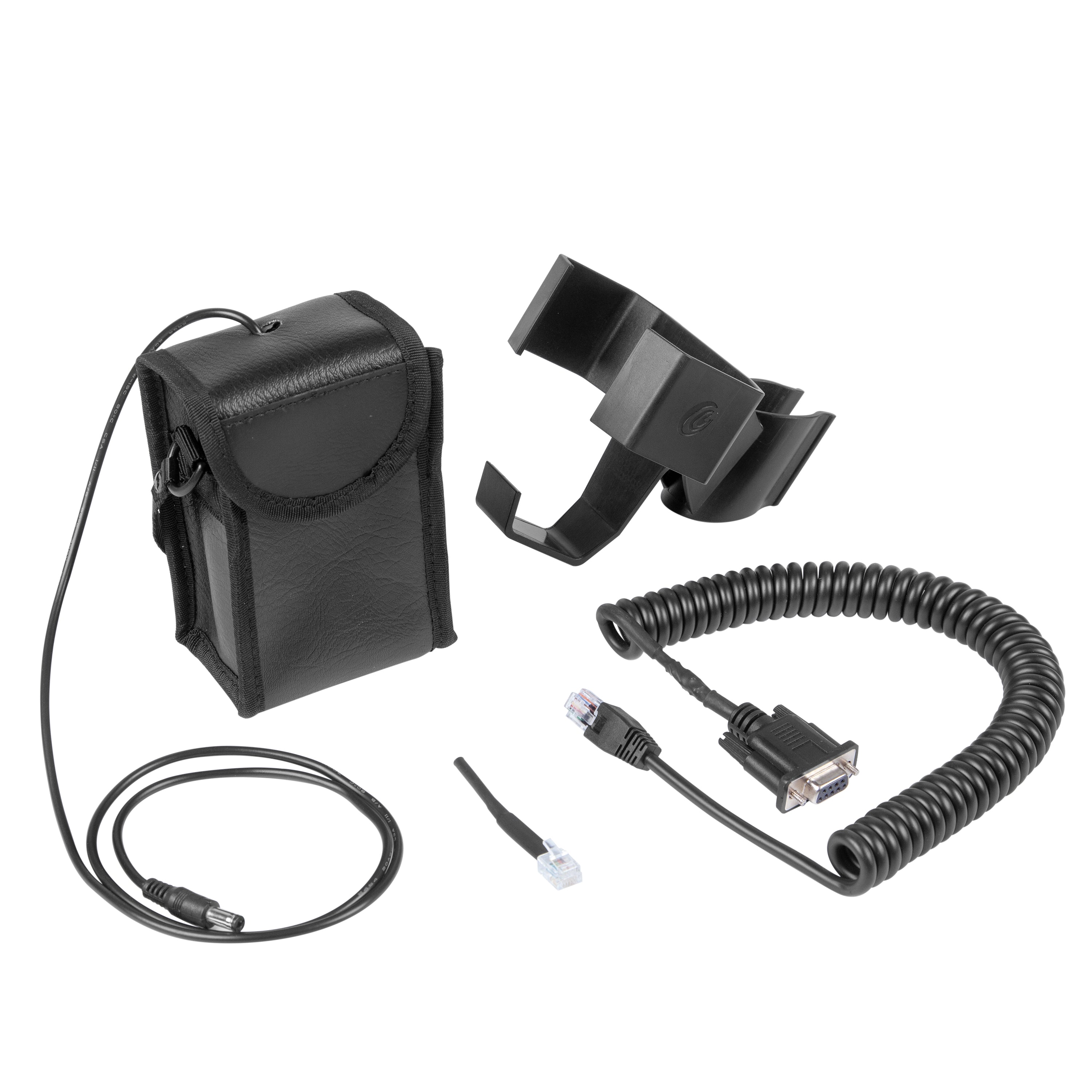
The included battery pack mounts directly to the tripod leg bracket and powers the PMC-Eight system using 8 C-cell batteries (not included). Standard alkaline batteries typically provide less than two hours of operation before voltage drop may affect motor performance. For extended use, Explore Scientific recommends a compatible lithium-ion power bank or AC power adapter.
The mount supports payloads up to 19 lbs total, including the telescope, accessories, and counterweights. Additional counterweights may be required for heavier optical setups. Tablet, telescope, camera, and computer equipment are sold separately.
Product Specifications
Additional Product Information
Recommended Products
Product Resources
Equatorial tracker praised for affordability and tracking precision. Customers said it's "excellent considering its price" with "very capable" performance. Setup challenges noted with software/firmware and WiFi connectivity. Missing azimuth adjuster criticized. Professional customer service resolved issues effectively. Learning curve exists but manageable for beginners in astrophotography.
- Easy to set up and use, and tracks very nicely! I am very happy with it.
- Great product and great customer service. Makes me feel like a pro.
- Very capable mount given its very affordable price.
The iEXOS-100-2 PMC-Eight may not be considered by some to be an all around "premium" mount, but if you are looking for an inexpensive German Equatorial Mount as a starting point this one might be just what the Doctor ordered. I have three other mounts from different brands that are controlled by ASI Air Plus controllers and I use them for DSO astrophotography. The PCM Eight mount was chosen because I was building a dedicated Solar Imaging rig with a Lunt Solar systems LS50T Ha (Hydrogen Alpha) telescope. I didn't need a mount that could carry a massive payload, I wasn't going to need the typical accessories (EFW, EAF, Dew Heaters, etc.) and I really didn't want to spend a ton of money. My first test run with an ASI Air Mini was less then satisfactory so I switched to MeLee Quieter 3Q mini-PC running Windows 11 and ASCOM/NINA. Unfortunately this configuration didn't perform any better, so I wiped the mini-PC and installed Stellarmate OS. The difference was like night and day. Up until this point I was a die hard Air user and I have never really been keen on using anything that required desktop sharing, but for some strange reason neither of those systems seemed to like the PMC-Eight. There were disconnects, random tracking turn-offs, and difficulties with Park and Home functionality. The first time the PC booted into Stellarmate the mount connected on the first shot and it never skipped a beat. The Stellarmate UI is different from the Air and NINA UIs, but once you get a a handle on it everything falls into place.
An excellent experience with Explore Scientific and this product. Mr. Kent and the entire Explore Scientific team proved to be professional and reliable. This equatorial mount is excellent considering its price. I am very satisfied with the product and the after-sales service I received.
I thank Mr. Kent and all the Explore Scientific staff who have solved all the problems encountered with seriousness and professionalism.
Also the product is excellent for a number of reasons that would be too long to write here.
Absolutely satisfied with the product and professionalism of Explore Scientific.
Poor product. Not able to set it up to function properly. was returned.
changing the initial review as everything I thought about the mount when I got to when I got to use it. It was determined to have a faulty RA motor. I have been back and forth with support for a week but all I get from them is "We checked it out here" and "It must be the pully on the motor".. I ended up buying a replacement motor so I can use the mount mount I purchased. Not a great first experience from explore scientific, Could have just sent a replacement and I will change this review slightly if they do ever end up sending another motor...
I've only had limited opportunities to use it so far (too many cloudy nights) but the small amount I have been able to use it is seems a very capable mount given its very affordable price.
The iexos is great so far. Obivously when you buy a new piece of equipment its gonna be cloudy for the whole week but I’ve managed to get it outside once or twice. It came very quick and well packaged. It was super easy to set up everything worked as it should right out of the box. I did run into a slight problem after installing the drivers from the explore scientific website though. After you install them and open NINA it might be set to the wrong mount. It’s a very easy fix though, just select the gear button when connecting and make sure the drop down is set to iexos not anything else, just took me a second to figure out why my stars had trails. the only other complaint is that it doesn’t come with an azimuth adjuster. This isnt too big a problem because you can loosen the screw on the bottom of the tripod and turn the mount by hand. With three point polar alignment I got it down to below an arc minute without the az adjuster. 10/10 though and its cheaper than a tracker.
Tres bien comme monture ,aliage robuste ,tres precis lors de suivi ,la seul difficulte est qu elle est diffice a brancher et faut jongler un peu pour demarrer l application explorestars .ca devrais avec le temps s ameliorer avec ce niveau la bon succes ,tres abordable et performante a ce prix
This mount seems to be just the thing for a small refractor. I would have given it five stars if ES had included the azimuth adjuster as part of the mount. What on earth were you thinking, making it a separately purchased add-on?!
The iExos 100 PMC-Eight is so easy to set up and use, and tracks very nicely! I am very happy with it.
This appears to be a nice small go to mount for a small ota or a camera. I bought this for a Conan camera and small 5 in sct.
I installed the explore stars app on windows 11 laptop and iPad. I was able to find the scope in the WiFi connection on both and perform simple mount movements. It was making some noise as if the gears were hanging.
Download and installed explore scientific PMC-Eight configuration manager and connected with the mount using usb cable. I updated to the lasted firmware which appear to go okay. I lost connection with the mount (I do not no why). But I have not been able to connect with it over WiFi. The mount does not show up in the WiFi connections list at all anymore. It appears that I can connect with the mount via usb and configuration manager. However, the mount never responds.
I also noticed when mount is powered up the red led comes on and then the green led comes on (briefly) the goes off. Then just t red led is on. The green led no long blinks as it original did prior to using the configuration manager software.
Not sure what I may have done incorrectly. But currently nothing with the mount is working.
Update: I submitted an issue with Explore Scientific. They were quick to respond. Initially I did not think was going to get the mount connected again. But the mount is back up and running.
The mount functioned perfectly for a first time user of a mount of any kind. Should come with a polar scope, and azimuth adjuster of sorts.
Getting all of the necessary software installed and working was a little difficult.But once I figured it out, it all worked perfectly! So far, I am very impressed with this mount!
Great product and great customer service from explore scientific. Im a beginner but this makes me feel like a pro, there is a little bit of a learning curve. However its a very small learning curve with their own software. I would highly recommend this product.
Still learning about it...it's making a huge difference in my astronomy and astrophotography experience.
The PMC tripod is great. I’m still learning about it since I have you here. I did order the power supply almost 3 weeks ago and still haven’t had it delivered. I hope it shows up shortly cause I know you have good reputation. That’s why I order from you guys thank you!Pete
Really loving the EQ GOTO mount. After getting it to work with ASCOM and polar aligning it works spot on. I am still waiting for a second one from Amazon and I ordered the AZ adjuster and polar scope for it. Wish I would have ordered directly from ES.
Took me a bit to figure out because most of the app info online is outdated. Once i did . I'm getting excited for some clear sky's
I am very impressed with the mechanical design and execution. They are done professionally and taking the stop off they move quietly, effortlessly and smoothly. Couldn't ask for more. Your documentation, especially for a MAC, is severally missing. After 2 weeks I have finally found out what sequence I need to do in order to get the mount to be found by either the ASCOM driver on a windows machine or INDI on my MAC. I have been totally unable to connect the drive to the WIFI through either ASCOM or INDI. The ExploreStars program on either the MAC or Windows connects to the mount through the WIFI with the mount being driven with the serial port. The biggest issue on the MAC is configuring the INDI driver. I have found no way to do that unless the higher level K-Stars or Cartes Du Ciel brings it up. I couldn't get PHD2 to connect to the INDI driver so my only solution for guiding was K-Stars but then an old V1 ASIAIR come up for $60 so I bought it to be my guide control and have given up controlling my mount with my MAC. For solar system photography it will run the capture from the camera for now.
I still believe at 299 it was a good value even considering the limitations. Buy that is only because I ended up getting a really good deal on the ASIAIR.
You sort of have some documentation about installing and running the ASCOM support but you have forgotten about the MAC. After days of trying different scenarios did I break the code that runs INDI to figure out how all the pieces play together. Had a document that showed the sequence been available it would have been SOOOOOO much easier. Just a note that I am a retired electrical engineer having worked with computers. Software is not new to me nor hardware. I have run linux systems as well as the windows and now MAC. I cannot imagine somebody trying this that has no breadthto rely on gettting this figured out.
And the one last one, there was not even a piece of paper inside the box that pointed you anywhere to get going.
David